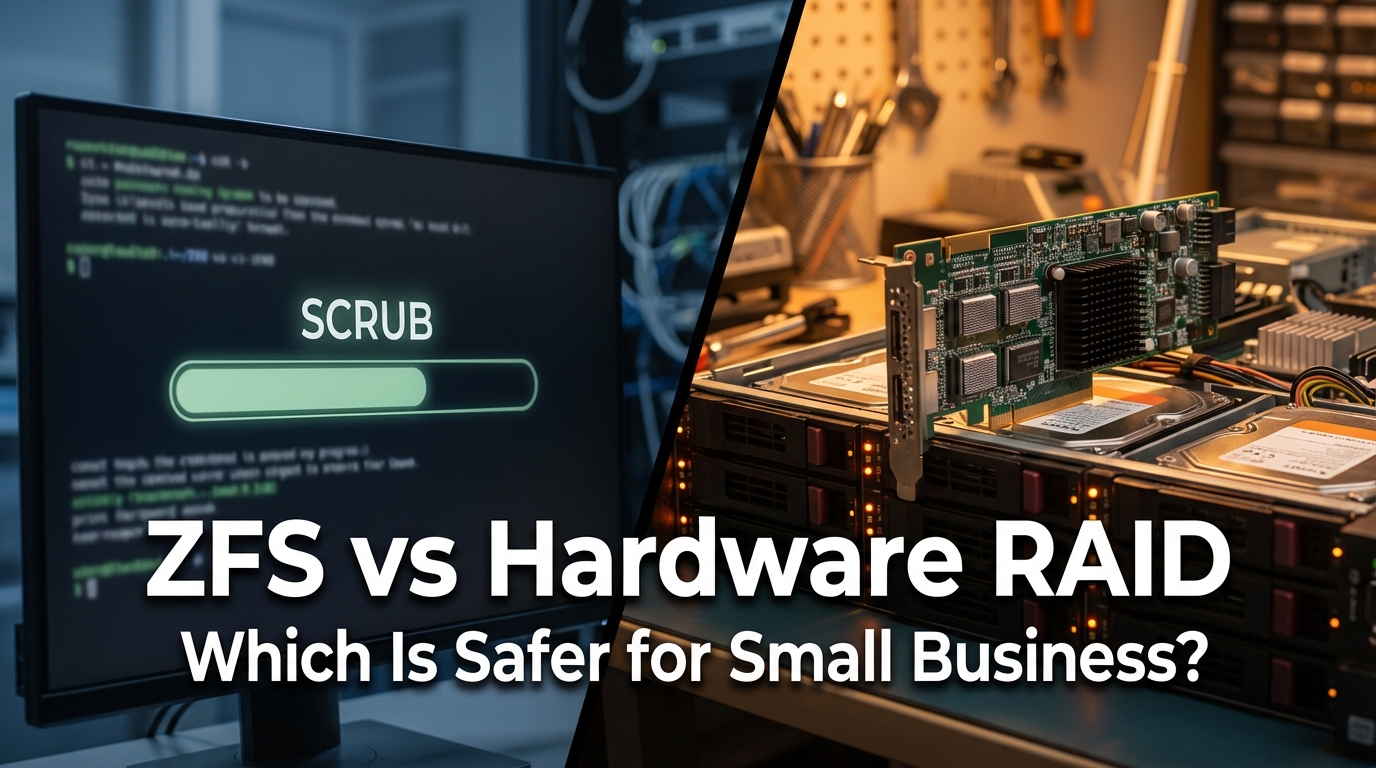
Choosing between ZFS and hardware RAID is one of those decisions that looks simple on the surface but gets complicated fast. Both protect your data — but they do it in very different ways, with very different trade-offs. And if you pick the wrong one for your setup, you’ll find out the hard way, usually when a drive fails or a silent corruption event costs you data you can never get back.
I’ve spent years writing about and researching office network infrastructure — how servers talk to storage, how backups fail silently, and why IT decisions made on a Friday afternoon tend to surface as emergencies on a Monday. ZFS and hardware RAID come up constantly, especially for small businesses trying to get enterprise-level protection without an enterprise-level budget. So let’s cut through the noise and look at what actually matters.
What Are We Really Comparing?
Hardware RAID has been the standard for decades. You slot drives into a controller card, configure a RAID level (like RAID 5 or RAID 10), and the controller handles redundancy in the background. Your operating system sees one logical volume. It’s predictable, widely supported, and familiar to most IT shops.
ZFS is different. It’s a file system and a volume manager rolled into one. Originally built by Sun Microsystems for Solaris, it’s now available through OpenZFS on Linux, FreeBSD, and TrueNAS. ZFS doesn’t just store files — it verifies them. Every block of data gets a checksum, and every time that block is read, ZFS confirms the checksum still matches. This is the foundation of what ZFS calls self-healing.
Hardware RAID controllers have no idea what’s in the data they’re moving around. They know about drives and parity, but not file integrity. That gap is where the differences really start to show.
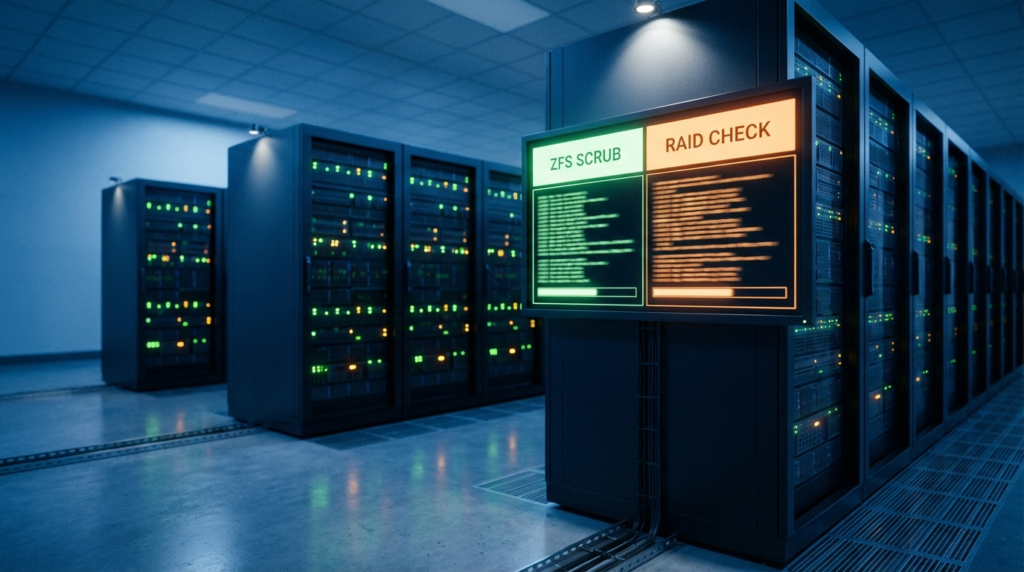
Self-Healing: ZFS Scrub vs. RAID Consistency Check
This is the most important functional difference. Here’s how each system catches and fixes errors:
| Feature | ZFS Scrub | Hardware RAID Consistency Check |
| What it checks | Every data block and its checksum | Parity math consistency between drives |
| Detects silent corruption | Yes — catches bit rot on healthy drives | No — can only find RAID parity mismatches |
| Fixes errors automatically | Yes — using redundant copy to repair the bad block | Partial — can rebuild parity if data and spare drive exist |
| How often to run | Monthly recommended | Vendor-dependent schedule |
| Impact on performance | Moderate I/O load during scrub | Can throttle throughput during check |
| Knows what the data should be | Yes, via per-block checksums | No — just verifies parity math |
Bit rot is real. It happens when a sector on a drive silently changes its value due to electrical noise, cosmic rays, or just age. RAID can’t catch this because the error looks like valid data to the controller. ZFS catches it because the checksum no longer matches. In a RAID-5 array, a silently corrupted block gets replicated during a rebuild — and you never know.
I’ve read post-mortems from sysadmins who ran hardware RAID for years, did a drive rebuild after a failure, and ended up with a mounted but corrupted filesystem. The RAID said everything was fine. The data wasn’t. ZFS scrub would have flagged those blocks long before the rebuild happened.
The RAM Requirement: ZFS’s Real Hidden Cost
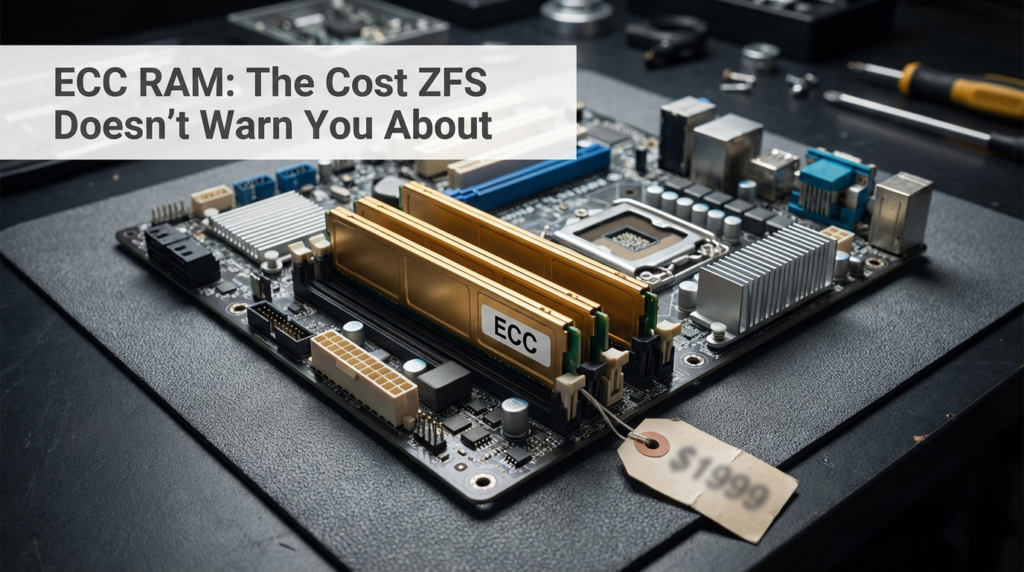
Here’s the part that stops a lot of small business ZFS deployments cold. ZFS relies heavily on RAM — both for its ARC (Adaptive Replacement Cache) and for safe write operations. But more importantly, ZFS is specifically designed to be used with ECC RAM.
ECC (Error Correcting Code) RAM detects and corrects single-bit memory errors before they can be written to disk. Without ECC, a random bit flip in RAM could corrupt a checksum or a data block, and ZFS would write that corrupted data to disk while believing it’s correct. At that point, the self-healing capability is undermined at the memory level.
ECC RAM requires a compatible motherboard and CPU — not all consumer-grade hardware supports it. This pushes ZFS deployments toward server-class hardware: think AMD EPYC, Intel Xeon, or purpose-built NAS platforms like TrueNAS CORE/SCALE. The hardware cost jump from a basic NAS to a proper ECC-capable system can be significant for a small business that was hoping ZFS was a low-cost upgrade.
It’s worth noting that the is thorough on this point. The project doesn’t definitively mandate ECC in all cases, but the community consensus — backed by years of production experience — is that ZFS without ECC is a risk not worth taking in a business environment.
ZFS Pool Expansion: The Flexibility Problem
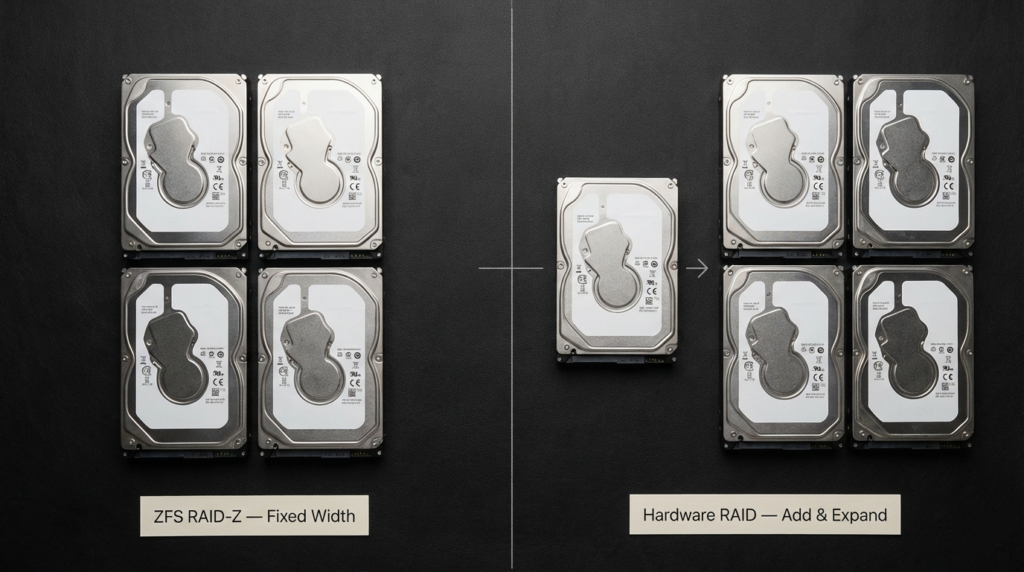
This is a genuine limitation that catches people off guard. With Synology’s SHR (Synology Hybrid RAID) or a traditional hardware RAID setup, you can often add a single larger drive, let the array rebuild, and expand storage incrementally over time. It’s not always elegant, but it’s possible.
With ZFS RAID-Z (ZFS’s equivalent of RAID 5), you cannot easily add a single drive to expand the pool. A RAID-Z vdev has a fixed width — once it’s created with four drives, it stays four drives. To grow, you either add an entirely new vdev (which changes the pool’s fault tolerance geometry) or you replace all drives with larger ones and wait for the pool to expand after each replacement.
For a small business growing its storage needs gradually, this is a real planning challenge. You need to forecast your capacity needs more carefully upfront, or accept that expansion will be a bigger project than just slotting in a drive. OpenZFS has been working on RAID-Z expansion features in newer releases, but this capability is still maturing and not universally available across all platforms.
| Expansion Method | Hardware RAID | ZFS RAID-Z |
| Add one drive to existing array | Often supported (vendor-specific) | Not supported in RAID-Z vdev |
| Replace drives with larger ones | Supported, slower to reclaim space | Supported, reclaims space after all drives replaced |
| Add new group of drives | Supported as new array | Supported as new vdev (changes fault geometry) |
| Synology SHR flexibility | N/A — SHR is proprietary hybrid | No equivalent built-in |
Hardware RAID: Where It Still Makes Sense
Hardware RAID isn’t obsolete. For environments where the existing infrastructure is already built around it, where IT staff are comfortable with RAID controllers, and where budget doesn’t support the ECC RAM requirement, hardware RAID remains a valid choice — as long as you understand what it doesn’t do.
Hardware RAID controllers from established vendors often include battery-backed write caches, which protect against data loss during power failures. They also offload the RAID computation from the host CPU, which matters in high-throughput environments. And they’re broadly compatible with almost any OS — no special filesystem required.
The critical thing is pairing hardware RAID with a robust backup strategy. Since RAID doesn’t catch silent corruption, your backup becomes the safety net for errors RAID won’t see. A backup with version history (not just a single copy) is essential.
ZFS: Where It Earns Its Reputation
ZFS shines in environments where data integrity matters more than raw simplicity. If you’re storing files that need to be trustworthy over years — financial records, design archives, medical records, source code repositories — ZFS’s checksum and self-healing architecture is genuinely better protection than hardware RAID.
TrueNAS (both CORE, which is FreeBSD-based, and SCALE, which runs Linux) has made ZFS accessible to businesses without a dedicated storage engineer. The web interface is mature, the documentation is solid, and the hardware requirements are well-documented. A small business can get a reliable ZFS NAS running on appropriate hardware for a reasonable budget, provided they account for ECC RAM from the start.
ZFS also handles snapshots in a way that hardware RAID simply can’t. Snapshots in ZFS are nearly instantaneous and space-efficient, because they only track changed blocks. This gives you a practical, low-overhead protection layer for accidental file deletions or ransomware — something hardware RAID provides zero protection against.
| Consideration | ZFS | Hardware RAID |
| Silent corruption protection | Strong — checksums catch bit rot | None — controller doesn’t inspect data |
| Self-healing capability | Yes — repairs from redundant copy | Limited to parity rebuild |
| ECC RAM required for safety | Yes — significant hardware cost | No — works with standard RAM |
| Drive expansion flexibility | Limited for RAID-Z vdevs | More flexible (vendor-dependent) |
| Snapshot support | Native, fast, space-efficient | Not available at RAID level |
| OS/platform dependence | Requires ZFS-compatible OS | Works with most OS configurations |
| Typical use case fit | Data integrity-critical workloads | General storage, legacy environments |
| Ransomware protection via snapshots | Yes | No |
Real-World Scenario: A Small Architecture Firm
Consider a 12-person architecture firm storing large CAD and rendering files — think projects that run into hundreds of gigabytes each. They had a hardware RAID 5 array running for four years without issues. When they finally ran a file integrity audit before migrating to a new server, they found several files that opened but produced rendering errors. The files looked fine. The RAID said everything was healthy. But some blocks had silently flipped.
They switched to a TrueNAS system with ZFS, ECC RAM, and monthly scrubs. The first scrub after migration flagged no errors — the new data was clean. More importantly, they now get a monthly report confirming data integrity across the entire pool. That’s not something their old RAID array could ever give them.
This isn’t a unique story. It’s a common pattern: hardware RAID looks healthy until something forces a closer look. ZFS makes the closer look automatic.
Frequently Asked Questions
Is ZFS safe to use without ECC RAM?
Technically it will run, but the community consensus and OpenZFS project guidance is that ECC RAM is strongly recommended for any business use. Without ECC, a memory bit flip could corrupt data that ZFS then writes to disk as if it were valid — undermining the checksum protection ZFS provides.
Can I run ZFS on a regular desktop or NAS?
You can run ZFS on consumer hardware, but you’ll likely lack ECC RAM support, which weakens the integrity guarantees. Purpose-built systems like TrueNAS-compatible hardware or server-grade components with ECC support are the right fit for a business environment.
Does hardware RAID protect against ransomware?
No. Hardware RAID provides redundancy against drive failure, not against file-level attacks. Ransomware encrypts your files on whatever storage is mounted — RAID or not. ZFS snapshots, by contrast, can let you roll back to a pre-encryption state if caught quickly.
Can I add a single drive to a ZFS RAID-Z pool?
Not to an existing RAID-Z vdev. This is one of ZFS’s known flexibility limitations. You can add a new vdev with its own drives, or replace all drives in a vdev with larger ones over time. Synology SHR offers more incremental flexibility, but it’s a proprietary system, not standard ZFS.
Which One Should a Small Business Choose?
The answer depends on two things: your hardware budget and what you’re storing.
If you’re replacing or building new storage infrastructure and can invest in ECC-capable hardware, ZFS — deployed on TrueNAS or a similar platform — gives you better long-term data integrity protection. The monthly scrub reports alone are worth it for any business that can’t afford silent corruption.
If you’re working with existing hardware that doesn’t support ECC, or if your team is already comfortable managing hardware RAID and you have a solid backup strategy in place, hardware RAID isn’t a wrong answer. It’s just a different trade-off: simpler management, less hardware cost, but no protection against bit rot.
What’s genuinely risky is treating either option as a substitute for backups. Neither ZFS nor hardware RAID is a backup. They’re redundancy systems. Your backup lives somewhere else — offsite, in the cloud, on a separate physical system — and gets tested regularly. That part doesn’t change regardless of which storage technology you choose.
Conclusion
ZFS offers something hardware RAID fundamentally cannot: the ability to detect and fix silent data corruption. That capability comes with a real trade-off — you need ECC RAM, which requires specific hardware, and RAID-Z pools don’t expand as flexibly as traditional RAID arrays.
For small businesses storing data that needs to be trustworthy over years, that trade-off is usually worth making. For businesses where budget is tight, hardware is already in place, and a solid backup routine covers the integrity gaps, hardware RAID still holds up — as long as you know what it doesn’t protect against.
The decision isn’t really about which technology is better in the abstract. It’s about matching the right tool to your actual risk profile, your hardware budget, and your team’s ability to manage it. Start there, and the choice usually becomes clearer.