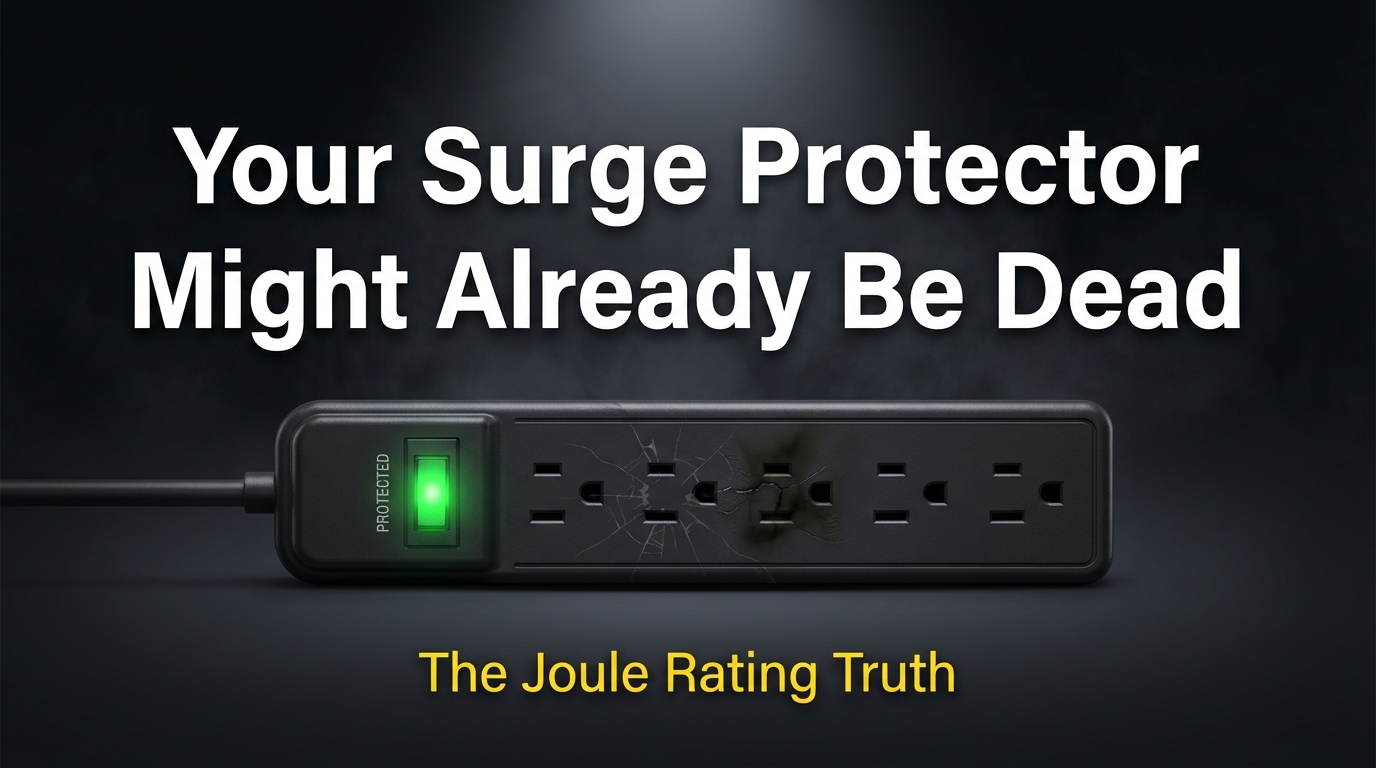
Most people buy a surge protector once, plug it in, and forget about it for years. The “Protected” light is still green, so everything must be fine, right? Not exactly. That light tells you the unit has power. It says nothing about whether the surge protection itself still works.
This is one of those topics that doesn’t get enough honest attention, and it’s worth breaking down properly — because the gap between what people assume and what’s actually happening inside that strip can cost you a laptop, a TV, or a gaming console.
I’m Donna Parker, and I’ve spent years writing about office network infrastructure and the hardware that keeps equipment running safely. A lot of that work has involved researching power protection setups — from small home offices to multi-desk workspaces — so I’ve had to get into the details of how surge protectors actually behave over time, not just what the box claims.
What a Joule Rating Actually Tells You
The joule rating on a surge protector measures how much energy the device can absorb before its protection fails. Think of it like a sponge. Every time a power surge hits — even a small one you’d never notice — the sponge absorbs some of that energy. At some point, the sponge is full. After that, surges pass straight through to your equipment.
Here’s the thing that surprises most people: those small surges happen constantly. Every time your refrigerator compressor kicks on, every time a large appliance cycles off, every time there’s a brief voltage spike from the utility grid — your protector is absorbing a little hit. These aren’t dramatic lightning-strike events. They’re quiet, invisible, and cumulative.
A unit rated at 1000 joules sounds substantial until you realize it might reach that limit within a few years of normal use in a busy home or office — with nothing dramatic ever happening.
The MOV Problem Nobody Talks About
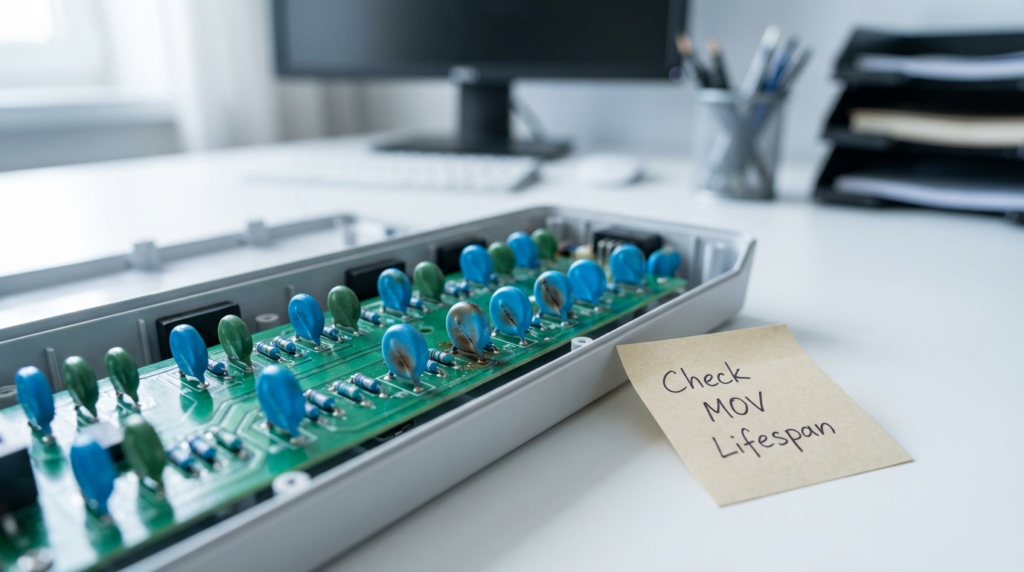
The component doing the actual work inside nearly every consumer surge protector is called a Metal Oxide Varistor, or MOV. MOVs are clever little components. Under normal voltage, they sit idle. When voltage spikes above a set threshold, they activate and divert that excess energy away from your plugged-in devices — absorbing it as heat.
The problem is that this process is destructive. Each time an MOV absorbs a surge, it degrades slightly. The material inside changes at a molecular level. This degradation is permanent and cumulative. There’s no reset, no recharge, no recovery. According to guidance published by NIST on protecting appliances from surges, MOV-based protectors have a finite capacity that decreases with use over time.
What makes this particularly tricky is that degraded MOVs don’t announce themselves. The protector still functions as a power strip. The “Protected” indicator light is usually wired to detect whether the MOV is still physically intact — not whether it still has meaningful clamping capacity remaining. A unit with 90% degraded MOVs can still show a green “Protected” light right up until the MOVs fail completely.
So that surge protector you bought five or six years ago? It may genuinely offer zero surge protection at this point, despite looking completely normal.
Joule Rating Guidelines by Device Type
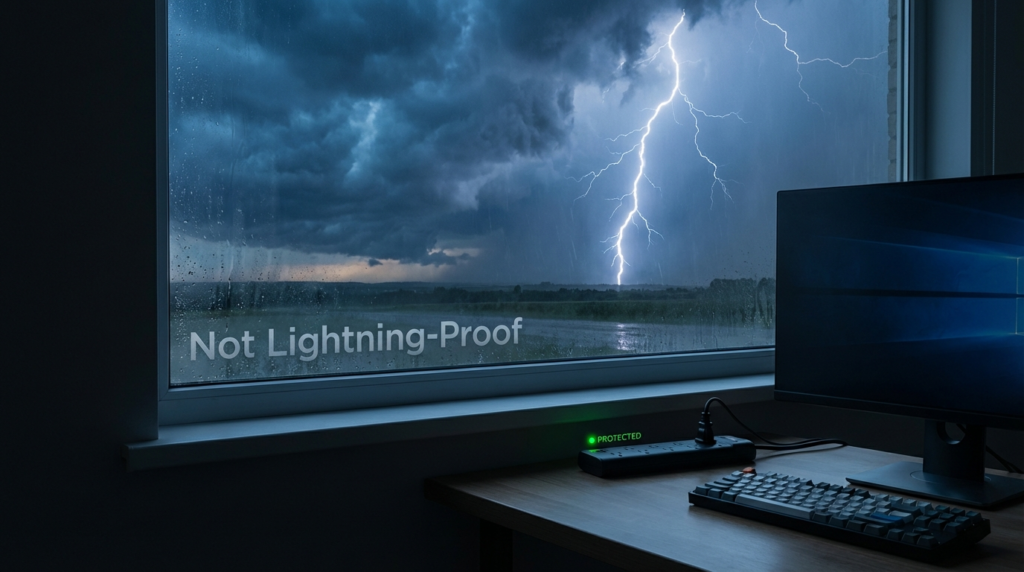
Not every device needs the same level of protection. Matching the joule rating to the equipment makes a real difference in how long that protection lasts and how much you’re actually covered.
| Device Type | Recommended Minimum Joule Rating |
|---|---|
| Lamps and basic lighting | 1000J |
| Phone chargers, small electronics | 1000–1500J |
| Televisions and audio equipment | 1500–2000J |
| Gaming consoles | 2000–2500J |
| Desktop computers and monitors | 2500–3000J |
| Network equipment (routers, NAS) | 3000J+ |
| Home theater systems | 3000J+ |
The logic here is straightforward. A lamp doesn’t care much about small voltage fluctuations, and replacing a bulb is cheap. A desktop computer with its power supply, storage drives, and connected peripherals is a completely different situation. Matching higher joule ratings to higher-value or more sensitive equipment isn’t excessive — it’s basic risk management.
In a home office setup I was researching a couple of years back, the network switch and workstation were both connected to a basic 1000J strip that was nearly four years old. The user had no idea it likely offered minimal protection. Swapping to a 3000J unit with a joule-used indicator was a straightforward fix, but it required actually knowing the old unit was spent.
The Lifetime Protection Myth
Some surge protectors are marketed with language like “lifetime protection guarantee” or “lifetime equipment protection.” This sounds reassuring. It requires some unpacking.
The “lifetime” in these claims usually refers to the lifetime of the surge protector itself — not the lifetime of your equipment. And since MOVs degrade with use, the “lifetime” of the protector may be measured in absorbed joules, not calendar years.
Equipment protection warranties (where the manufacturer promises to cover your devices if they’re damaged while connected) almost always come with conditions: the surge must be documented, the damage must be directly attributable to a surge event, and claims processes can be genuinely complicated. These programs aren’t worthless, but they’re not a substitute for replacing aging units.
The honest answer is that no MOV-based surge protector lasts forever, and most consumer units have a useful protection life of three to five years depending on local power quality and how many surges they’ve absorbed.
Comparing Surge Protector Types
| Type | How It Works | Lifespan Concern | Best For |
|---|---|---|---|
| MOV-based (most common) | Absorbs and diverts surge energy | Degrades with every surge | General home/office use |
| Series mode | Stores and releases energy, no sacrifice component | Much longer useful life | High-value equipment |
| UPS with surge protection | Battery backup plus surge clamping | Battery needs replacement | Computers, network gear |
| Power conditioner | Filters noise and regulates voltage | Minimal degradation | Audio/video equipment |
Series mode protectors don’t use sacrificial MOVs, which means they don’t degrade the same way. They’re generally more expensive, but for a setup with high-value equipment that you’d rather not replace, they’re worth knowing about.
What Surge Protectors Cannot Stop
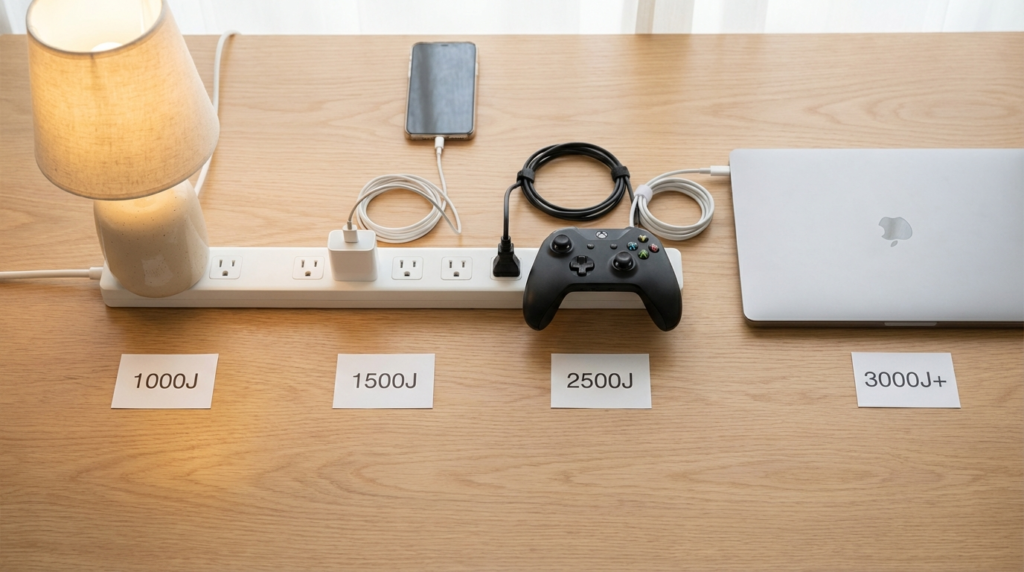
This part matters. A surge protector — even a new one with a high joule rating — will not protect your equipment from a direct lightning strike.
Lightning carries energy in ranges that dwarf what any consumer surge protector is designed to absorb. When lightning strikes a building directly, or strikes the power line feeding your home, the energy surge is so massive it will simply arc across or through the protector’s components. NIST is explicit about this: the only reliable protection from a direct lightning strike is unplugging your devices entirely.
This doesn’t mean surge protectors are useless against lightning. They can handle the indirect effects — nearby strikes that induce smaller surges on power lines — reasonably well. But the scenario most people imagine when they think “surge protector stops lightning” is not accurate. During a serious electrical storm, the safest move for critical equipment is still to unplug it physically.
Signs It’s Time to Replace Your Surge Protector
- The unit is more than three to five years old and used regularly
- The “Protected” light has turned off or is flickering (MOVs may have fully failed)
- You’ve experienced a significant power event — nearby lightning, a major outage, or visible sparking
- The unit feels warm during normal use
- You have no idea when you bought it
If you can’t remember when you got it, that’s usually enough information to replace it.
Frequently Asked Questions
Does the “Protected” light mean I’m actually protected? Not reliably. The indicator light typically confirms the unit has power and that the MOVs haven’t completely burned out. It doesn’t measure remaining joule capacity. A unit with significantly degraded MOVs can still show a green light until the MOVs fail entirely.
How do I know how many joules my surge protector has used? Most consumer units don’t track this. A few higher-end models include a joule counter or protection-remaining indicator. For most strips, the practical answer is to track the purchase date and replace after three to five years, or sooner after any significant surge event.
Is a surge protector the same as a power strip? No. A power strip simply adds outlets and has no surge protection. A surge protector includes components (usually MOVs) designed to absorb excess voltage. They can look identical from the outside, so checking the product specs before purchasing matters.
Can I use a surge protector for my refrigerator or air conditioner? Generally not recommended. Large motor-driven appliances create their own electrical noise and back-surges when they cycle on and off. This can actually wear out a surge protector faster and may not be compatible with the appliance’s power requirements. These devices typically need dedicated circuits rather than surge protectors.
Wrapping Up
The core takeaway here is simple: surge protectors are consumables, not permanent fixtures. The MOVs inside degrade silently with every small voltage event, and the “Protected” light is not a reliable indicator of remaining capacity. Joule ratings matter, they differ meaningfully by device type, and matching the right rating to the right equipment is worth the extra thought.
Replace units every three to five years at minimum, sooner if you’ve had notable power events, and don’t assume a green light means full protection. For high-value equipment like workstations, servers, and network gear, a UPS with surge protection or a series-mode protector is a more reliable long-term approach than a standard MOV strip.
And when lightning is actually striking nearby — unplug. No consumer surge protector is built to handle that.