When an old hard drive sits in your desk drawer, it feels harmless. But that drive might hold years of client files, login credentials, financial records, or employee data. The real question isn’t whether to dispose of it — it’s how to do it without leaving sensitive information exposed.
This is a topic I’ve spent a lot of time with, not just in research but in real office environments. Working with office network infrastructure over the years, I’ve watched companies make costly assumptions about drive disposal. One of the most common: assuming that deleting files or even formatting a drive makes it safe to toss or donate. It doesn’t. Not even close.
The confusion gets deeper when you factor in the difference between HDDs and SSDs — because what works for one can completely fail on the other. Here’s what you actually need to know.
Why “Just Delete It” Isn’t Good Enough
When you delete a file, the operating system removes the pointer to that file. The data itself stays on the drive until something else overwrites it. Basic data recovery tools — free ones, available to anyone — can pull that data back within minutes.
Even a standard format doesn’t fully clear a drive. It rewrites the file system structure but leaves most of the underlying data intact. This is why proper data sanitization methods were developed in the first place.
The stakes are real. A 2023 study by Ontrack found that a significant portion of secondhand drives purchased online still contained recoverable personal or corporate data. That includes drives that had been “formatted” before resale.
DoD 5220.22-M: What It Actually Does (and Where It Falls Short)
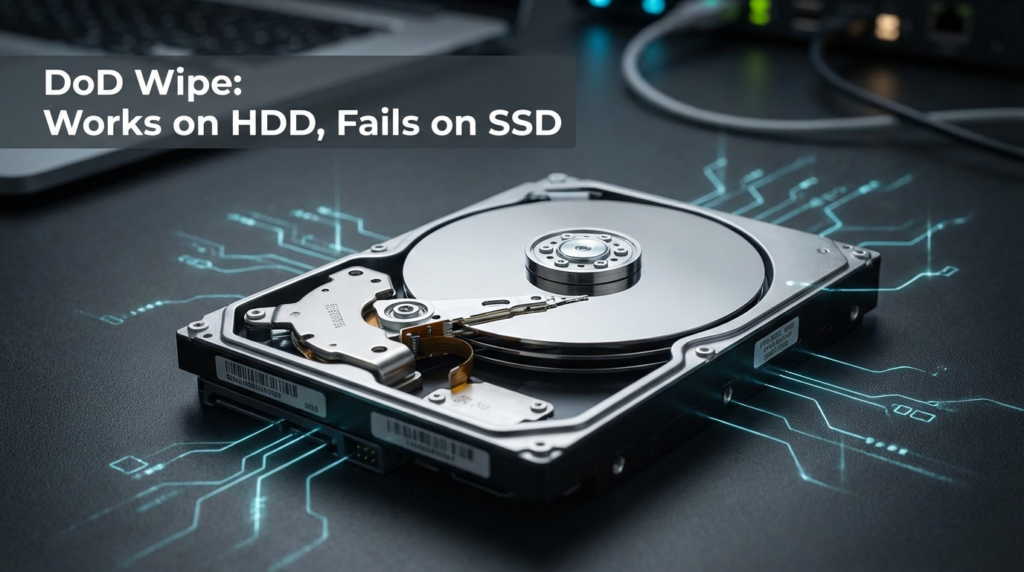
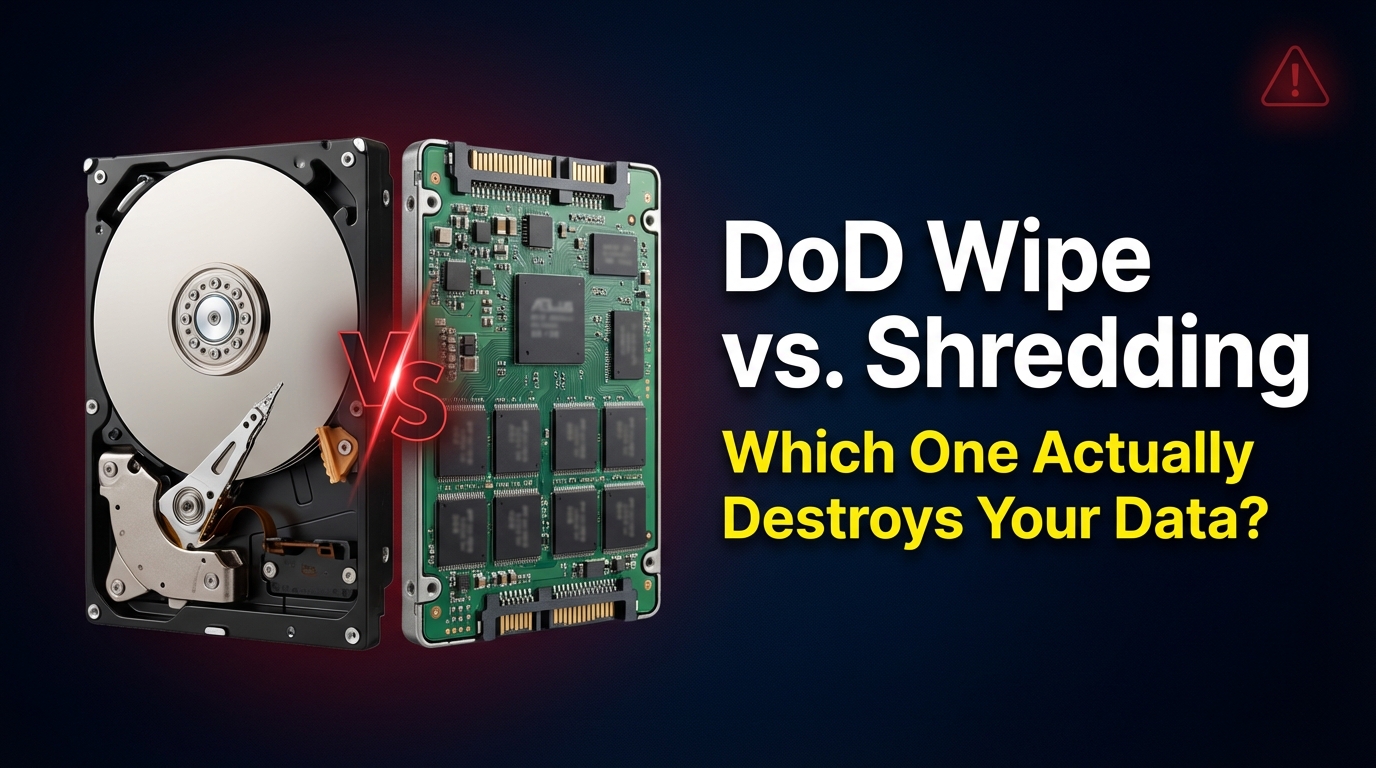
The DoD 5220.22-M standard was developed by the U.S. Department of Defense as a method for sanitizing magnetic storage media. The process involves writing patterns of data over the drive — typically multiple passes of ones, zeros, and random characters — to overwrite existing data. The idea is that after enough passes, the original data becomes unreadable.
For traditional spinning hard drives (HDDs), this method works reasonably well. Overwriting sectors directly addresses the physical areas where data is stored.
Here’s where it breaks down: SSDs.
SSDs use a process called wear-leveling. Instead of writing new data over old data in the same location, the drive’s controller spreads writes across different cells to extend the drive’s lifespan. What this means in practice is that when you run a DoD-style overwrite on an SSD, the controller doesn’t necessarily write over the original data cells. It may write to fresh cells and leave the old data sitting in sectors that wear-leveling has marked as “inactive” — but not erased.
Standard overwrite tools have no visibility into these hidden sectors. You can run seven passes and still leave recoverable data behind.
Secure Erase Command: The SSD-Native Solution
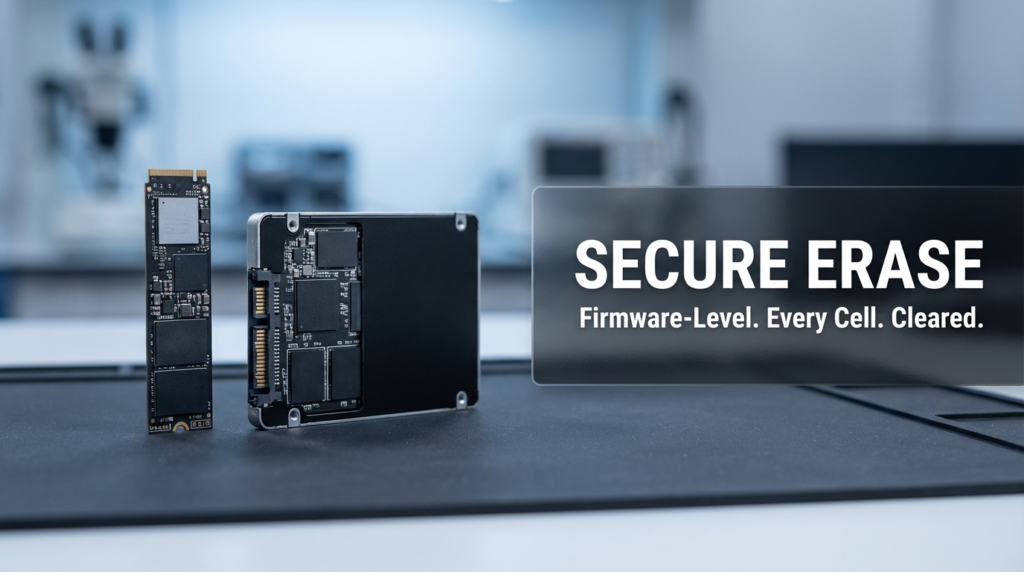
Most modern SSDs support a command called Secure Erase (ATA Secure Erase or NVMe Secure Erase). This isn’t a software overwrite — it’s a firmware-level instruction that tells the drive to reset every single cell, including wear-leveled and reserved sectors that overwrite tools can’t touch.
When executed correctly, Secure Erase is far more effective on SSDs than any software-based overwrite method. The drive itself handles the process at a hardware level, which bypasses the wear-leveling problem entirely.
The catch: implementation varies by manufacturer. Some drives execute it perfectly. Others have bugs in their firmware that cause the command to complete without actually clearing all data. This has been documented in academic research, including a study from UC San Diego that tested Secure Erase across multiple consumer SSDs and found inconsistent results.
This is why for truly sensitive data, software alone — even Secure Erase — may not be enough.
Degaussing: Powerful for HDDs, Useless for SSDs
Degaussing exposes a drive to an extremely strong magnetic field, scrambling the magnetic patterns that represent stored data. For HDDs, it’s one of the most thorough erasure methods available. It destroys the drive’s magnetic coating so completely that the drive can’t even be reused afterward.
For SSDs, flash memory, USB drives, or any solid-state media: degaussing does absolutely nothing. SSDs store data as electrical charges in NAND flash cells, not as magnetic patterns. A degausser has zero effect on them.
This is a mistake that still happens in organizations that built their data destruction policies around HDDs and haven’t updated them for SSDs. If your company is sending old laptops through a degausser and calling it done — and those laptops have SSDs — the data is still there.
Physical Destruction: Drilling, Shredding, and When It’s the Only Answer
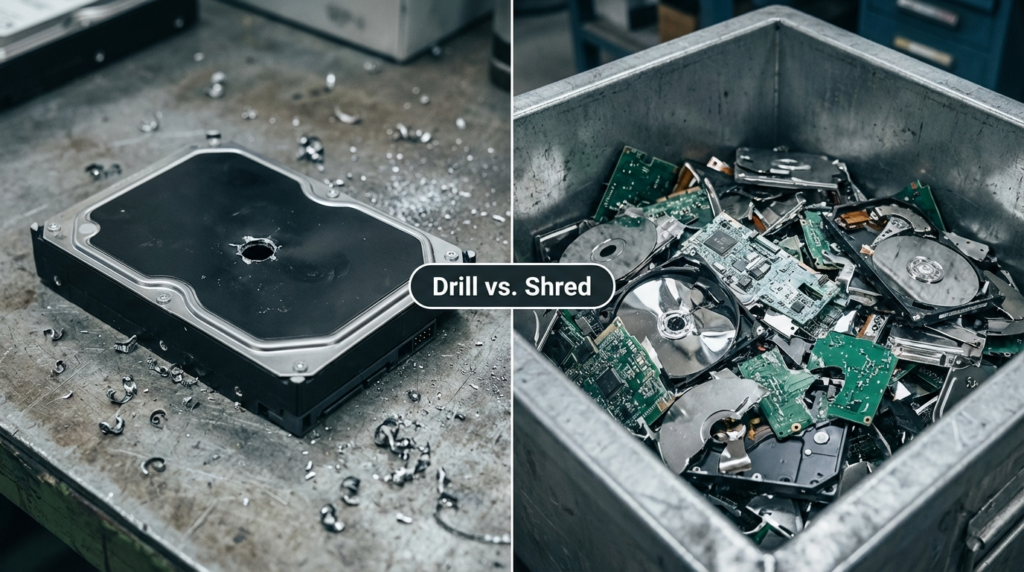
Physical destruction is the most definitive method. If the drive is physically destroyed, the data cannot be recovered by any practical means.
Drilling involves drilling through the drive’s platters (HDD) or the memory chips (SSD). It’s inexpensive and accessible, but coverage matters. On an HDD, you need to drill through every platter. On an SSD, the memory chips are spread across the board — one hole through the center may miss critical chips entirely.
Shredding is the most thorough physical method. Industrial shredders reduce drives to small particles, destroying all storage components regardless of drive type. This is what certified data destruction companies use. The EPA’s Electronics Donation and Recycling resource outlines how to responsibly handle old electronics, including finding certified recyclers who can manage both data destruction and environmentally safe disposal in one step.
Physical destruction is the right choice when:
- The drive held highly sensitive or regulated data (healthcare, legal, financial records)
- You cannot verify whether the drive’s Secure Erase completed correctly
- The drive is damaged or malfunctioning and software tools won’t run on it
- Compliance requirements demand certified destruction
Side-by-Side: Which Method Works for Which Drive
| Method | Works on HDD | Works on SSD | Data Fully Gone | Drive Reusable |
|---|---|---|---|---|
| Standard Format | No | No | No | Yes |
| DoD 5220.22-M Overwrite | Mostly | No | Partially | Yes |
| ATA/NVMe Secure Erase | N/A | Yes (usually) | Usually | Yes |
| Degaussing | Yes | No | Yes (HDD only) | No |
| Drilling | Partial | Partial | Partial | No |
| Industrial Shredding | Yes | Yes | Yes | No |
The table makes the problem clear. There is no single method that works reliably across all drive types except physical shredding. Every other approach has at least one failure condition.
A Real-World Example: The Office Laptop Refresh
A few years back, a mid-sized professional services company did a full laptop refresh — about 80 machines going out. The IT team ran a DoD overwrite tool across all of them before donating the laptops to a local organization. Reasonable thinking. Standard practice.
What they didn’t account for: over half those laptops had SSDs. The overwrite tool ran, reported success, and the drives still had recoverable data in wear-leveled sectors. The organization receiving the laptops had no idea, and neither did the IT team until an outside audit flagged the process months later.
The fix wasn’t expensive — Secure Erase or a certified shredding service would have handled it — but the exposure window was real. This is the kind of mistake that comes from applying HDD logic to SSD hardware.
Pros and Cons at a Glance
| Method | Pros | Cons |
|---|---|---|
| DoD Overwrite | Free, widely supported, drive stays usable | Ineffective on SSDs, time-consuming |
| Secure Erase | SSD-native, firmware-level, drive stays usable | Firmware bugs in some drives, requires compatible tool |
| Degaussing | Fast, thorough for HDDs | Useless on SSDs, drive destroyed |
| Physical Shredding | Works on everything, certified proof available | Drive destroyed, costs money for certified service |
Environmental Responsibility Matters Too
Physical destruction doesn’t have to mean throwing a drive in the trash. Certified data destruction companies typically shred drives and then send the material to proper recycling streams. HDDs contain aluminum, copper, and rare earth magnets. SSDs contain materials that shouldn’t end up in landfill.
The EPA’s electronics recycling guidance is worth reading if you’re managing a larger disposal project. Certified e-waste recyclers can handle both the data destruction and the material recycling, giving you documentation for compliance and keeping hazardous materials out of landfills.
FAQs
Does formatting a drive make it safe to donate? No. Standard formatting removes the file system structure but leaves the underlying data intact. Recovery tools can retrieve it easily. You need either a proper Secure Erase (for SSDs) or a verified overwrite (for HDDs) before donating any drive.
Can I use a DoD wipe on my SSD? You can run it, but it won’t reliably erase all data on an SSD. Wear-leveling means the overwrite tool can’t reach every sector. Use the drive’s native Secure Erase command instead, or physically destroy it if the data is sensitive.
Is drilling through an SSD enough to destroy the data? Not always. SSD memory chips are distributed across the circuit board. A single drill hole may miss several chips entirely. If you’re going this route, you’d need to drill through or crush every visible memory chip — or just use a certified shredder.
What’s the safest method for regulated data like healthcare or legal records? Certified physical shredding through an accredited data destruction company. They provide a certificate of destruction, which is often required for compliance under regulations like HIPAA. Software methods, even Secure Erase, may not satisfy auditors for the most sensitive categories of data.
Wrapping Up
Drive disposal is one of those things that looks simple from the outside and gets complicated fast once you understand what’s actually happening at the hardware level. The DoD overwrite standard is solid for HDDs but was built before SSDs existed at scale. Degaussing is powerful but irrelevant for flash storage. And physical destruction, while final, doesn’t have to mean irresponsible e-waste.
The practical takeaway: know what type of drive you’re disposing of, match your method to the hardware, and when data sensitivity is high, don’t rely on software alone. A shredding certificate costs less than a data breach.