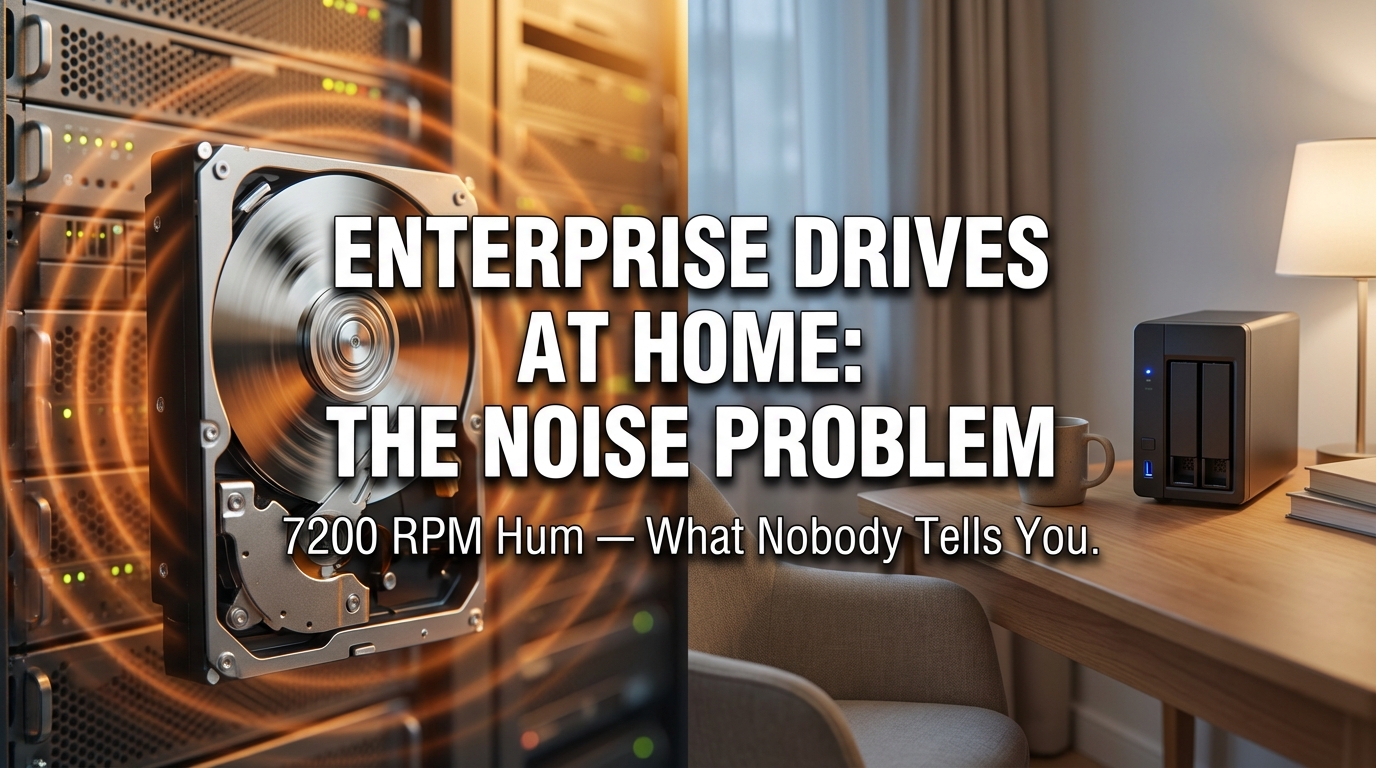
If you’ve ever considered putting a Seagate Exos or WD Gold drive into a home NAS or desktop build, the spec sheet looks impressive. High capacity, enterprise reliability, built for 24/7 operation. What the spec sheet doesn’t mention is what your bedroom wall will feel like at 2 AM when that drive spins up.
Noise from enterprise-grade spinning drives is one of those things you only truly understand after living with it. I’ve been researching and writing about office network infrastructure and home storage setups for years, and acoustic issues come up more often than almost any other complaint from people who migrate enterprise hardware into home environments. It’s not a dealbreaker for everyone, but for a lot of home users, it becomes a serious quality-of-life problem that nobody warned them about.
Here’s what’s actually happening, why it matters, and how to make a smarter decision before you commit to a drive.
Why Enterprise Drives Are Built Loud by Design
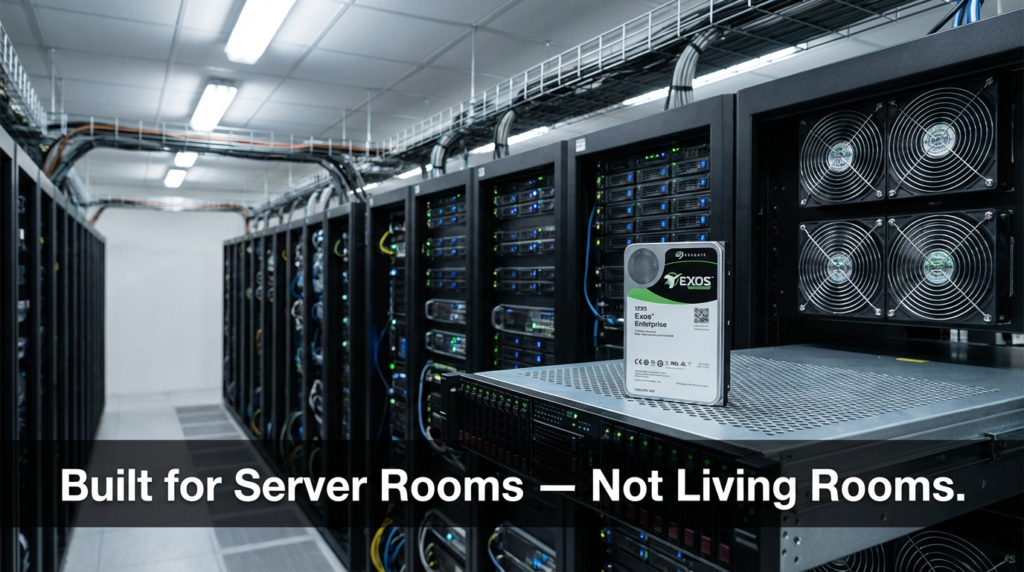
Server rooms are not quiet places. The baseline noise floor in a typical data center sits well above what most people would tolerate in their homes. Cooling fans, rack vibration, and dozens of spinning disks create a constant industrial roar that nobody working nearby experiences without hearing protection.
Because enterprise drives are engineered for that environment, their acoustic properties are simply not a design priority. The Seagate Exos and WD Gold lines are built for maximum throughput, maximum vibration compensation between stacked drives, and maximum reliability under sustained workloads. Running quietly in a home office is not part of the brief.
The 7200 RPM spindle speed is the main culprit. At that rotation rate, the drive platters generate a resonant hum that has a particular frequency range — roughly 100 to 300 Hz depending on the drive — that travels efficiently through surfaces. Drywall, wooden desks, and NAS enclosures all act as amplifiers rather than dampers. That hum doesn’t just stay in the room where the NAS sits. It moves through the structure of your home.
A drive that measures around 36 to 40 dB(A) in isolation can feel significantly louder in practice because of how low-frequency vibration couples with building materials. This is a known physics problem, not a manufacturing defect.
Decibel Levels: What the Numbers Actually Mean in Practice
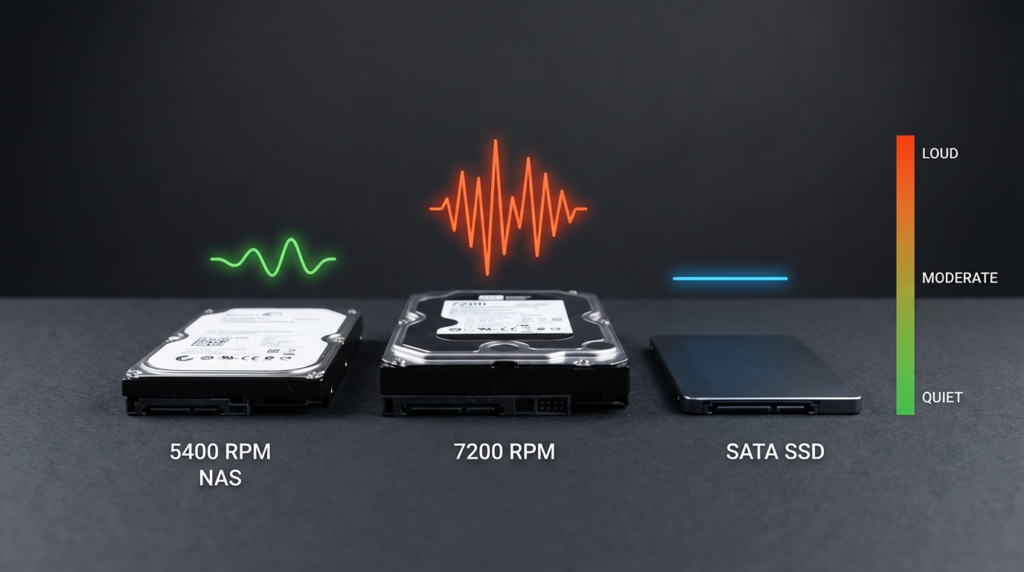
Raw decibel figures in drive spec sheets can be misleading because they’re measured under controlled lab conditions. That said, comparing across drive categories does give you a useful framework.
| Drive Type | Typical Idle Noise | Typical Active Noise | Vibration Character |
|---|---|---|---|
| 5400 RPM NAS Drive (e.g., WD Red Plus) | ~24–26 dB(A) | ~28–30 dB(A) | Low, soft hum |
| 7200 RPM Enterprise (e.g., Exos X, WD Gold) | ~34–38 dB(A) | ~36–42 dB(A) | Pronounced resonant hum |
| Helium-Filled Enterprise (e.g., Exos X He series) | ~20–26 dB(A) | ~28–34 dB(A) | Noticeably reduced |
| SATA SSD | ~0 dB(A) | ~0 dB(A) | None |
| NVMe SSD | ~0 dB(A) | ~0 dB(A) | None |
The difference between a 5400 RPM desktop NAS drive and a 7200 RPM enterprise drive isn’t just a few numbers. Because decibels are measured on a logarithmic scale, a 10 dB increase represents roughly a doubling of perceived loudness to the human ear. A drive running at 38 dB(A) can feel noticeably more intrusive than one at 28 dB(A) — especially at night when background noise drops.
According to OSHA’s guidance on occupational noise exposure, prolonged exposure to elevated noise levels affects concentration and sleep quality even at levels well below the thresholds that cause hearing damage. Home workers and people with home NAS setups in or near living spaces are effectively experiencing low-level occupational noise during their workday and their rest hours.
The Helium Difference: A Real Solution Inside the Drive
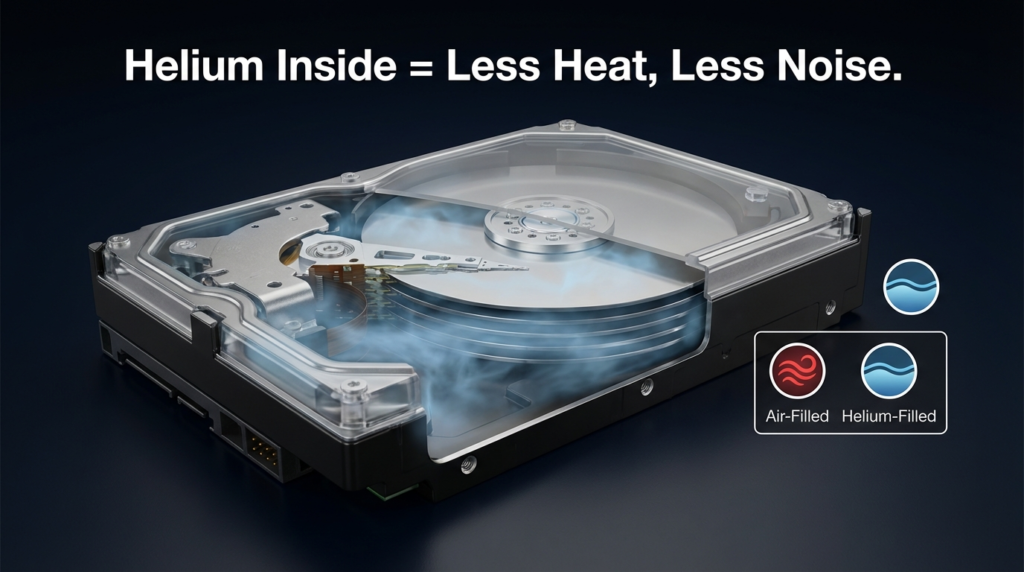
One development that has meaningfully changed the enterprise drive noise situation is helium-filled enclosures. Drives like the Seagate Exos X He series and similar helium-filled WD drives operate in a sealed chamber filled with helium instead of air.
Here’s why that matters acoustically. Helium is about one-seventh the density of air. The drag on spinning platters is dramatically lower, which means less mechanical turbulence, less heat, and less vibration. The platters also don’t need to fight against the resistance that air creates at high RPM. The net result is a drive that runs measurably cooler and quieter than its air-filled counterpart running at the same spindle speed.
This isn’t a marginal improvement. People who’ve switched from air-filled enterprise drives to helium-filled versions in the same NAS enclosure often describe the difference as immediately obvious. The aggressive hum drops to something closer to the softer sound of a 5400 RPM drive, though it doesn’t disappear entirely.
The trade-off is that helium-filled drives are sealed permanently. If the seal fails — which is rare but possible — the drive fails completely. You also typically pay a premium for helium-filled capacity. For home users who are genuinely committed to high-capacity enterprise drives, helium-filled is the better choice on almost every dimension: noise, thermals, and power consumption.
When the Hum Becomes a Real Problem
The resonant hum from 7200 RPM drives is easy to underestimate when you’re reading reviews online. Most reviewers test drives in open-air benches or measure them in isolation. Home NAS enclosures are a different situation.
Plastic and metal enclosures, especially budget NAS cases, can resonate at the same frequency as the drive hum and amplify it. I’ve seen people describe their Synology or QNAP units as sounding like a small appliance left running in an adjacent room. When the NAS sits on a wooden desk, the desk vibrates. When it’s in a closet, the closet walls vibrate.
A few practical things happen as a result. First, sleep disruption. If the NAS is anywhere on the same floor as a bedroom, the hum can be noticeable enough to affect sleep, particularly for people who are sensitive to low-frequency sound. Second, concentration. A constant 38 dB hum during a workday isn’t loud in the traditional sense, but it occupies cognitive bandwidth in the background. Third, the hum attracts attention from other household members who didn’t sign off on the purchase.
Some users solve this with physical isolation: rubber feet, vibration-dampening mounts, and keeping the NAS inside a cabinet with mass-loaded material on the walls. These solutions help, but they don’t eliminate the problem, especially if you’re running multiple enterprise drives in the same enclosure.
Comparing Your Real Options as a Home User
| Option | Noise Level | Cost Factor | Best For |
|---|---|---|---|
| 5400 RPM NAS HDD (WD Red Plus, Seagate IronWolf) | Low | Moderate | Home NAS, quiet environments |
| 7200 RPM Enterprise Air-Filled | High | Lower upfront | Isolated server room use |
| 7200 RPM Enterprise Helium-Filled | Medium-Low | Higher upfront | Home NAS needing enterprise capacity |
| SATA SSD (large capacity) | None | High | Quiet build, budget allows |
| Hybrid approach (SSD cache + HDD) | Low–Medium | Variable | Performance-sensitive home setups |
The choice isn’t simply enterprise versus consumer. It depends heavily on where the drive will physically live and how much ambient noise already exists in that space.
If the NAS sits in a dedicated basement server room or a utility closet with solid walls and a door, a 7200 RPM air-filled enterprise drive may be perfectly acceptable. If it’s in a home office, bedroom hallway, or open living area, it almost certainly won’t be.
Practical Steps to Reduce Drive Noise Without Replacing the Drive
If you already have enterprise drives installed and the noise is an issue, there are a few approaches worth trying before swapping hardware.
Vibration isolation matters more than most people expect. Anti-vibration drive trays, rubber grommets, and silicone mounting pads interrupt the mechanical coupling between the drive and the enclosure. This reduces the resonance amplification significantly without touching the drive itself.
Placement changes can also help substantially. Moving the NAS off a wooden desk and onto a concrete or stone surface breaks the vibration chain. Closing a door between the NAS and your living area drops perceived noise further.
If you’re in the enclosure selection stage, heavier cases with thicker walls and proper vibration damping absorb more noise than lightweight plastic units. Some NAS enclosures are explicitly rated for quiet operation, and those ratings are worth checking before purchase.
FAQs
Will putting an enterprise drive in a home NAS void any warranty? Generally no. Seagate and WD enterprise drives are sold for broad commercial use and their warranties typically don’t restrict home NAS installation. Check the specific drive’s warranty documentation to confirm.
Are helium-filled enterprise drives noticeably more reliable than air-filled ones? Helium drives tend to run cooler, which generally supports longer lifespan. The sealed enclosure also protects platters from contaminants. However, seal failure — though rare — is a catastrophic event. Standard backup practices apply regardless.
Can acoustic noise from HDDs actually affect health? OSHA’s occupational noise guidelines focus on hearing damage thresholds that spinning drives don’t reach. However, low-level continuous noise does affect concentration and sleep quality for many people. This is more a comfort and productivity issue than a medical one.
What’s the quietest high-capacity option for a home NAS today? Helium-filled NAS drives (like the Seagate IronWolf Pro He or WD Red Pro in helium configurations) offer the best balance of capacity and acoustic performance for home use. SSDs remain the quietest option but carry a significant cost premium at large capacities.
Closing Thoughts
Enterprise drives earn their reputation in the environments they were built for. The noise they produce isn’t a flaw — it’s just a characteristic that doesn’t translate well outside a server room. If you’re building a home NAS and acoustic comfort matters to you, the drive class and its spindle speed deserve as much attention as its capacity and price.
Helium-filled drives have genuinely changed what’s possible for home users who need enterprise-level storage without enterprise-level noise. And for many setups, a purpose-built NAS drive running at 5400 RPM will handle the workload without the constant background hum. The right answer depends on your space, your workload, and how much of that hum you’re willing to live with.