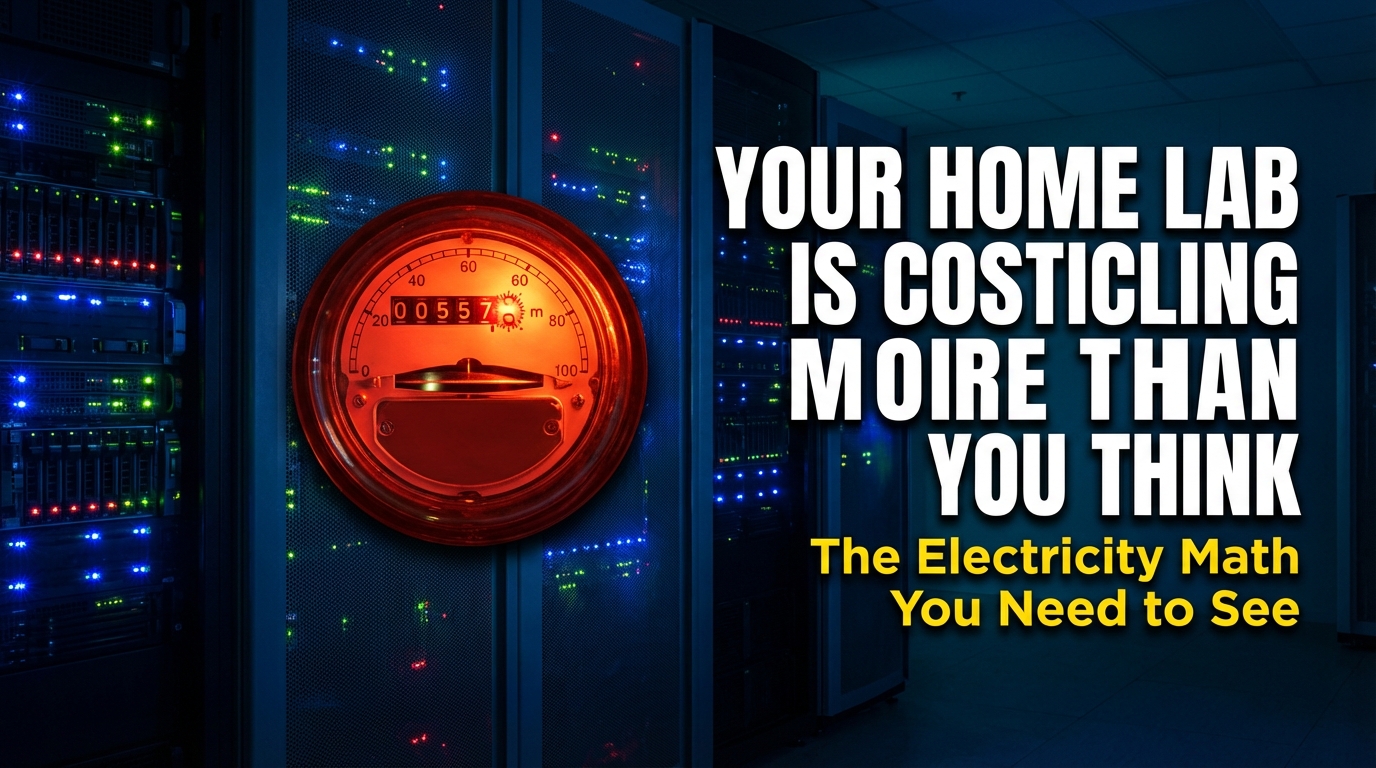
If you’re thinking about building a home lab — or you already have one running 24/7 — there’s a cost that rarely shows up in YouTube build videos or Reddit threads: the electricity bill. Hardware is a one-time purchase. Power is forever.
I’ve been writing about and researching office and home network infrastructure for years now, and one pattern keeps coming up: people buy used enterprise servers from eBay for a few hundred dollars, feeling smart about the deal, then quietly watch their electricity bill climb month after month. The savings on the hardware get eaten alive by the operating costs. This article breaks down exactly how that happens — and what you can actually do about it.
Why Electricity Is the Cost Nobody Talks About
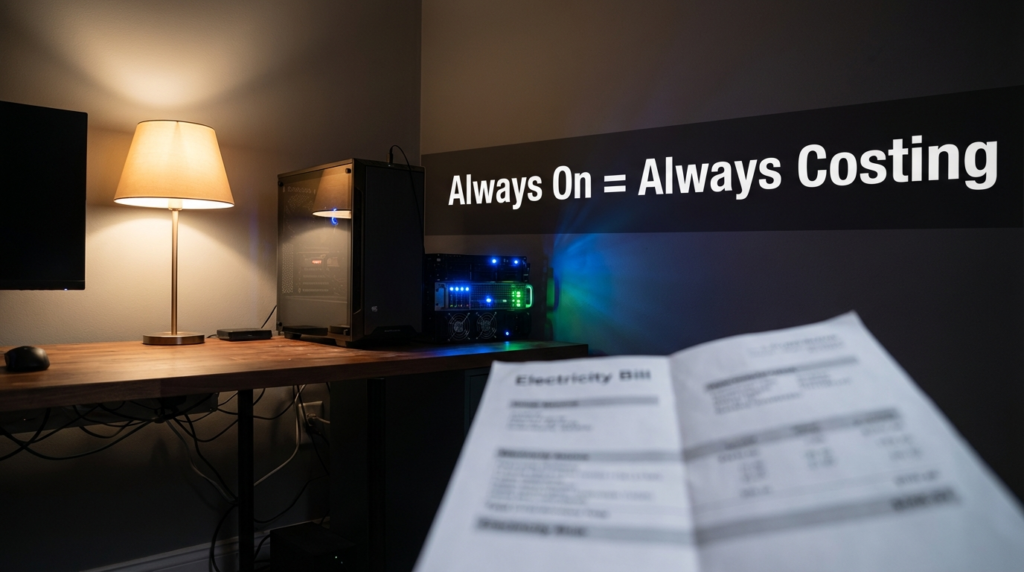
When someone posts their home lab setup online, the comments are full of questions about the hardware specs. Almost nobody asks, “What does this thing cost to run?” That gap in the conversation is where a lot of home labbers end up losing money without realizing it.
The core issue is that power draw is continuous. A server sitting at idle still pulls electricity every hour of every day. Over a year, those watts add up to real dollars. And unlike a noisy fan or a full hard drive, a high power draw gives you no warning — it just quietly inflates your utility bill.
The U.S. Department of Energy’s Federal Energy Management Program has written about this under their guidance on measuring standby power, noting that devices left running around the clock — even at low activity — contribute significantly to total energy consumption in both commercial and home settings.
The Real Problem With Cheap Enterprise Hardware
Here’s what most guides won’t tell you: older enterprise servers were not designed with home electricity rates in mind. They were built for data centers where power was managed at scale, cooling was centralized, and the electricity bill was split across hundreds of machines generating real business value.
A dual-socket server from 2012 or 2013, bought for $150 on eBay, can draw 150 watts or more just sitting at idle — not under load, not doing anything interesting. Just powered on, waiting.
Here’s what that means in practice at a common U.S. electricity rate of $0.15 per kilowatt-hour:
- 150W idle draw × 24 hours × 365 days = 1,314 kWh per year
- 1,314 kWh × $0.15 = ~$197 per year
And that’s a conservative estimate. Many of these older machines idle higher, especially with multiple drives, expansion cards, or aging power supplies running at poor efficiency. A less efficient system pulling 200W at idle costs closer to $263 per year in electricity alone.
The hardware deal that looked like $150 out of pocket is actually $150 + $200/year + $200/year + … for as long as it runs.
Annual Operating Cost: Laptop vs. Mini PC vs. Rack Server
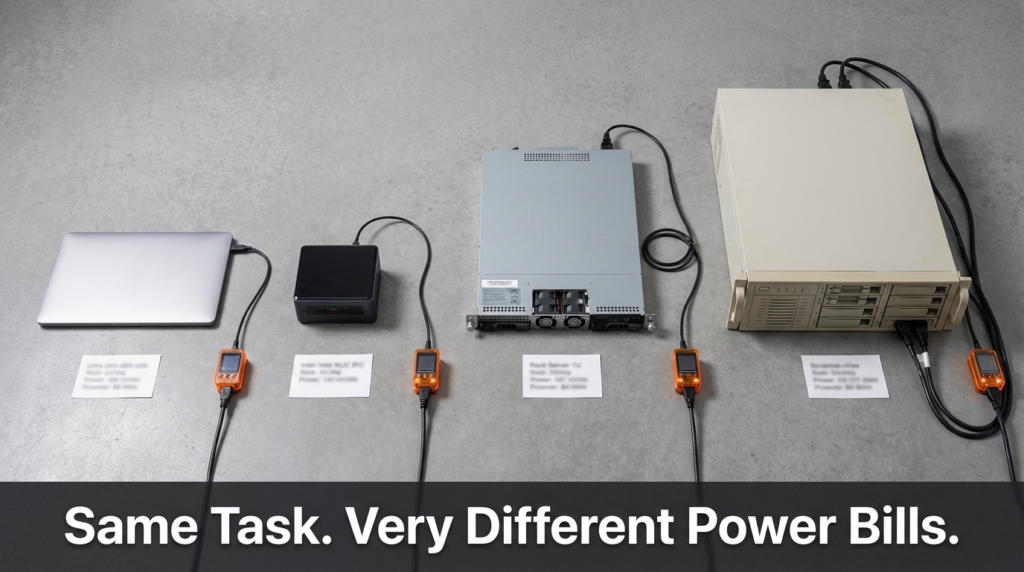
This is the comparison that makes the real difference clear. The numbers below are calculated at $0.15/kWh, running 24 hours a day, 365 days a year.
| Device Type | Typical Idle Power Draw | Annual kWh | Annual Cost @ $0.15/kWh |
|---|---|---|---|
| Laptop (used as server) | ~10–15W | 88–131 kWh | ~$13–$20 |
| Modern Mini PC (e.g., N100-based) | ~8–12W | 70–105 kWh | ~$11–$16 |
| Modern 1U/2U Server (recent gen) | ~50–80W | 438–701 kWh | ~$66–$105 |
| Older Enterprise Server (dual-socket, 2012–2015) | ~150–250W | 1,314–2,190 kWh | ~$197–$329 |
The difference between a modern mini PC and an old enterprise server is roughly $180–$310 per year — just in electricity. That’s not accounting for the cost of cooling the room those machines heat up.
One watt running continuously for a full year costs roughly $1.31 at $0.15/kWh. At $0.20/kWh (common in parts of California, New York, or Europe), that same watt costs about $1.75 per year. The relationship is linear and unforgiving.
How to Actually Measure Your Home Lab’s Power Draw
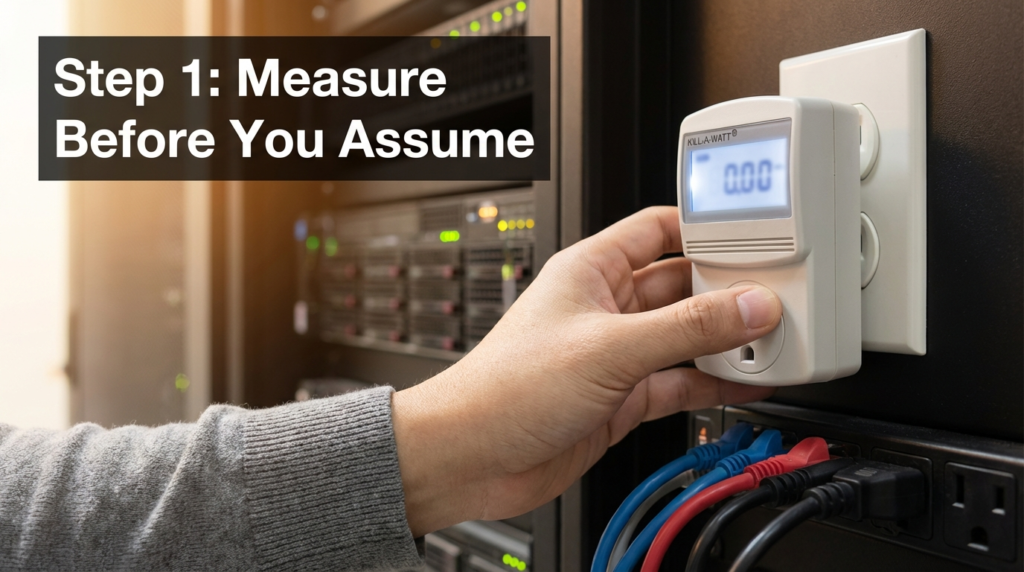
Guessing at idle watts based on spec sheets is unreliable. Manufacturers list TDP (thermal design power) for processors under load, not the real system idle draw including drives, RAM, motherboard, and power supply inefficiency.
The right tool is a plug-in power meter — something like a Kill-A-Watt or similar device. You plug it between the wall outlet and your server, and it reads actual wattage in real time. This takes about two minutes and gives you accurate numbers.
Steps to measure and calculate your annual cost:
- Plug your meter between the wall and your server/device
- Let the system reach its normal idle state (boot fully, no active tasks)
- Note the wattage reading
- Multiply: Watts × 8,760 hours ÷ 1,000 = Annual kWh
- Multiply kWh by your local electricity rate to get annual cost
Your local electricity rate is on your utility bill, usually listed as cents per kWh. If you’re not sure, the U.S. national average has hovered around $0.13–$0.16/kWh for residential customers in recent years, but rates vary significantly by state and country.
The Hidden Layer: Power Supply Efficiency
Most people measure their server’s idle draw and stop there. But power supply efficiency adds another layer that’s worth understanding.
A power supply unit (PSU) rated at 750W doesn’t deliver 750W to your components from 750W of wall power. It converts AC to DC, and that conversion has losses. An older PSU running at poor efficiency (say, 70–75%) wastes more energy as heat than a modern 80 Plus Gold or Platinum unit.
If your components need 150W and your PSU is 75% efficient, it’s actually pulling about 200W from the wall. The extra 50W is just heat. This means the effective cost is higher than a raw component measurement would suggest.
For home labs, this matters most with older enterprise servers that came with high-wattage redundant PSUs — sometimes two 750W or 1,000W units — even though the system never actually uses more than a fraction of that capacity. These PSUs often operate at their least efficient point when lightly loaded.
Smarter Hardware Choices for Power-Conscious Home Labs
If you’re building or rebuilding a home lab and power cost matters to you, these are the hardware categories worth looking at:
Mini PCs like Intel NUC-style machines or those based on newer Intel N-series or AMD embedded processors offer surprisingly capable performance for tasks like running multiple VMs, a NAS, a Pi-hole, or a lightweight Proxmox cluster. Their idle power draw is often under 15W.
Single-socket servers from newer generations (think 2019–2022 era) draw significantly less power at idle than their dual-socket predecessors from a decade earlier. The performance-per-watt improvement over that decade is substantial.
Raspberry Pi or ARM-based systems are genuinely useful for lightweight, always-on tasks — DNS, monitoring, simple dashboards, or small automation scripts. They draw 3–7W at idle and have near-zero annual electricity costs.
The trade-off is always capability vs. cost. If you need 256GB of RAM for serious virtualization work, you’re probably stuck with higher power draw. But if your workload is lighter, matching hardware to actual need saves real money every year.
A Real-World Example: What Switching Hardware Actually Saved
A common scenario I’ve seen discussed repeatedly in home lab communities goes like this: someone runs a dual-socket server for two years, then replaces it with a used single-socket machine from a newer generation. Their measured idle draw drops from around 180W to around 65W — a reduction of 115W.
At $0.15/kWh, that 115W difference saves roughly $151 per year. If they paid $300 for the newer used server, the electricity savings alone pay for it in about two years. After that, it’s money back in their pocket every year the new machine keeps running.
This isn’t a hypothetical. Power meters and electricity bills are verifiable. The math is straightforward once you take the time to measure.
Frequently Asked Questions
Does a server draw more power under load than at idle? Yes, significantly. A server that idles at 150W might draw 300–400W or more under heavy CPU and disk load. For annual cost estimates, idle power matters most for always-on machines, since servers spend the majority of their time waiting, not actively computing.
Is it cheaper to run one powerful server or several small ones? It depends on the specific hardware, but generally, one well-matched server draws less total power than running three or four older machines to accomplish the same tasks. Consolidation is usually more power-efficient, provided the single machine is appropriately sized.
How do I find my local electricity rate? Check your most recent electricity bill. It’s usually listed as a rate in cents per kilowatt-hour (¢/kWh) in the billing summary. Some utilities also have tiered rates, where the cost per kWh increases after a certain monthly usage threshold.
Does turning a home lab server off when not in use actually save money? Yes — the savings are direct and linear. A server powered off draws essentially zero watts. If your workload doesn’t require 24/7 uptime, scheduling downtime or using wake-on-LAN to boot only when needed can cut your annual operating cost substantially.
Conclusion
The hardware cost of a home lab is easy to see. The electricity cost is easy to ignore — until you look at your bill over a full year and do the math.
Older enterprise servers are the biggest offender here. The $150 eBay deal on a dual-socket machine from 2013 can quietly cost you $200–$300 or more per year in electricity. That changes the economics of the purchase entirely.
The fix isn’t complicated. Measure your actual power draw with a cheap plug-in meter. Calculate your annual operating cost using your real electricity rate. Then decide whether the hardware you’re running is actually the right tool for the job — or whether something smaller and more efficient would serve you just as well for a fraction of the operating cost.
The best home lab isn’t the one with the most impressive specs. It’s the one where the hardware matches the workload, the power draw is under control, and the whole thing doesn’t quietly drain your wallet year after year.