Wireless networking has changed a lot in the last few years. But the jump from Wi-Fi 6E to Wi-Fi 7 is the one that has people in IT circles asking a very real question: is this actually better for your setup, or just a bigger number on the box?
I’ve been working with office network infrastructure for years now, and this question comes up more than people expect. Donna Parker here — I’ve spent a good chunk of time writing about how networks behave in real office environments, not just in lab conditions. That difference matters a lot when you’re trying to decide between a $150 router and a $500 one. So let’s actually break this down with honest numbers and real-world context.
What Changed Between Wi-Fi 6E and Wi-Fi 7
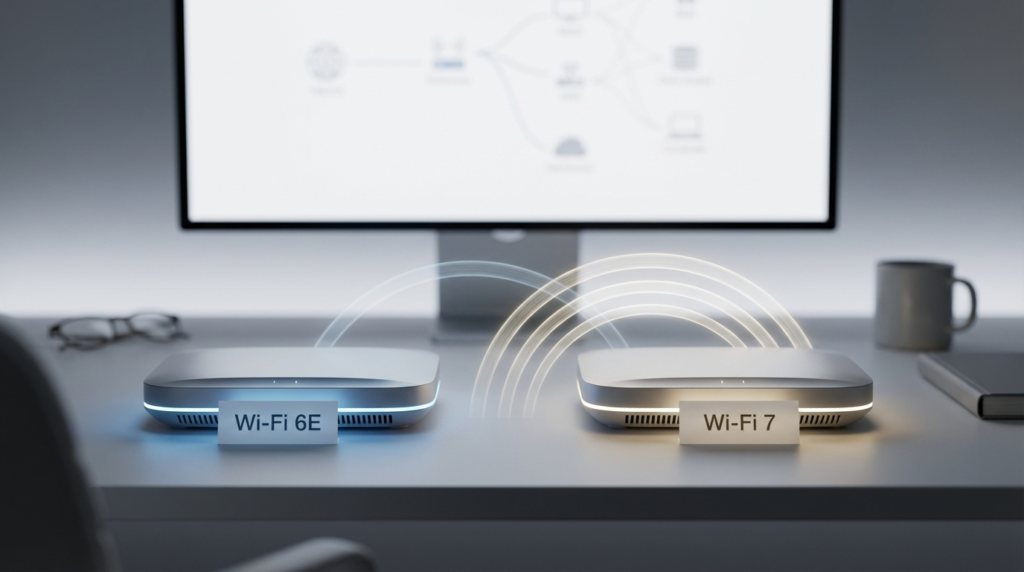
Wi-Fi 6E was essentially Wi-Fi 6 with access to the 6 GHz band. That was a meaningful addition because the 6 GHz band offered more spectrum — less congestion, lower latency, and more room for high-bandwidth devices. It was a solid step forward, especially for offices with dense device deployments.
Wi-Fi 7 (802.11be) builds on that foundation but introduces two changes that actually matter: Multi-Link Operation (MLO) and 4K-QAM modulation. MLO allows a device to connect across multiple bands simultaneously — 2.4 GHz, 5 GHz, and 6 GHz at the same time — instead of picking one. This reduces latency and improves reliability because if one band gets congested, traffic shifts automatically.
4K-QAM increases the amount of data packed into each signal compared to Wi-Fi 6E’s 1024-QAM. In clean RF conditions, this can push throughput higher. But it requires a very strong, clean signal to work well. In a noisy office, those gains shrink fast.
Real-World Speed: What You Actually Get
The marketing numbers look great on paper. Wi-Fi 7 routers advertise speeds north of 40 Gbps. Wi-Fi 6E tops out around 9.6 Gbps in spec. But what happens in practice is a different story.
In most real office deployments, you’re looking at a fraction of advertised speeds because of distance, interference, client device limitations, and building materials. Here’s a practical cost-per-gigabit comparison based on typical retail pricing and real-world measured speeds:
| Feature | Wi-Fi 6E | Wi-Fi 7 |
|---|---|---|
| Max Spec Speed | ~9.6 Gbps | ~40 Gbps |
| Typical Real-World Speed | 1.5–2.5 Gbps | 2.5–4.5 Gbps |
| Entry-Level Router Price Range | ~$150–$250 | ~$350–$600 |
| Approx. Cost per Real Gbps | ~$80–$120 | ~$100–$175 |
| 6 GHz Band Support | Yes | Yes |
| MLO Support | No | Yes |
| 4K-QAM | No | Yes |
| Client Device Support (2024) | Moderate | Limited |
Note: Prices reflect general market ranges observed as of 2024–2025. Real-world speeds vary significantly by environment.
The cost-per-gigabit actually favors Wi-Fi 6E right now — not because Wi-Fi 7 is slow, but because you’re paying a premium for a ceiling most client devices can’t reach yet.
The MLO Problem Nobody Talks About Enough
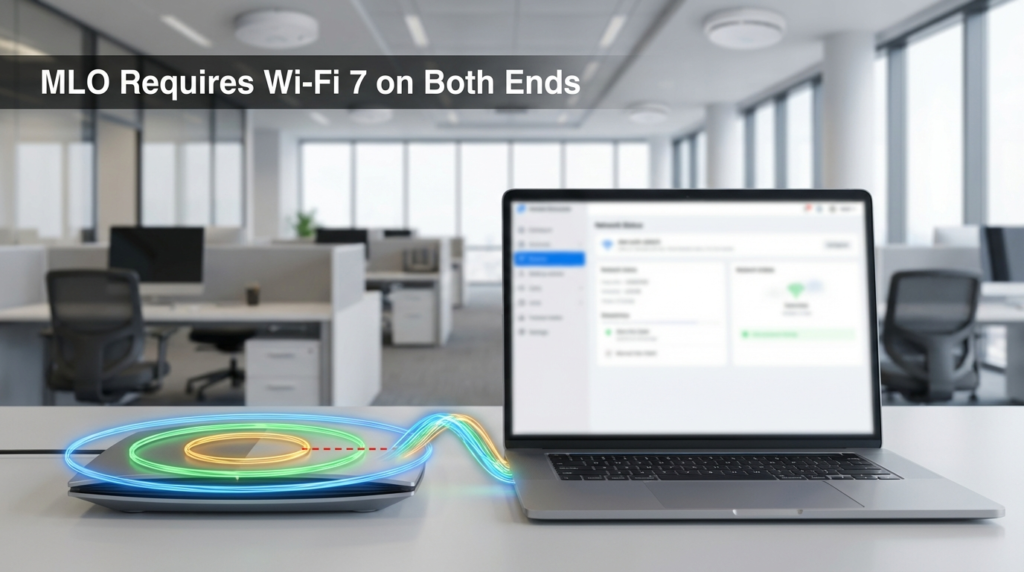
MLO is the headline feature of Wi-Fi 7. The idea of aggregating multiple bands to get lower latency and higher reliability is genuinely useful, especially in environments where traffic spikes unpredictably.
Here’s the catch: MLO only works if your client device also supports Wi-Fi 7 and MLO specifically. Your router cannot hand MLO to a laptop running a Wi-Fi 6E card. It falls back to standard single-band operation, just like it would on any previous generation.
As of 2024, the ecosystem of MLO-capable client devices is still thin. Some newer flagship laptops and phones support it, but the majority of workplace devices — especially those purchased in 2022 or 2023 — do not. This is a real infrastructure consideration. You can buy the most capable Wi-Fi 7 access point available, and most of your staff will connect to it exactly like they would a Wi-Fi 6E AP.
This doesn’t make Wi-Fi 7 a bad investment. It makes it a forward-looking investment, which is a different thing entirely.
The WPA3 Compatibility Issue
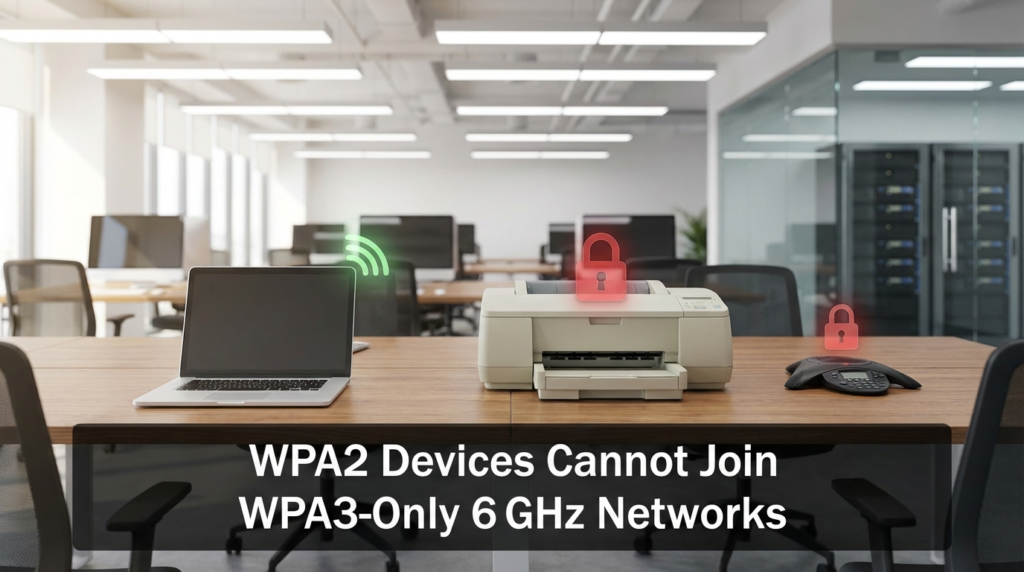
This one bites offices more than they expect. Wi-Fi 6E networks operating on the 6 GHz band are required by the Wi-Fi Alliance to use WPA3. According to the Wi-Fi Alliance’s Wi-Fi 6E specifications, the 6 GHz band is WPA3-only, which means WPA2 devices simply cannot connect to it.
This isn’t a bug — it’s a deliberate security design. But in practice, it creates friction.
Older printers, IoT sensors, legacy conference room equipment, and some older laptops that only support WPA2 will refuse to join a WPA3-required 6 GHz network. The typical workaround is to keep a separate 2.4 GHz or 5 GHz SSID running WPA2 as a fallback. That works, but it adds management complexity and segments your network in ways that need documentation and ongoing attention.
If your office has a lot of legacy hardware, this isn’t a dealbreaker — but it is a real planning consideration that needs to happen before you swap access points, not after.
Which Environments Actually Benefit from Wi-Fi 7 Now
Not every office is in the same situation. Here’s where Wi-Fi 7 makes practical sense today versus where Wi-Fi 6E still holds up better:
Wi-Fi 7 makes sense if:
- You’re refreshing your entire network, including client devices, in one cycle
- You support real-time, high-bandwidth applications like uncompressed video editing over wireless
- You’re in a high-density environment where MLO’s interference mitigation will genuinely help
- Your budget includes a longer depreciation window (3–5+ years)
Wi-Fi 6E still makes sense if:
- Most of your client devices are 2021–2023 vintage
- You need access point coverage now at a lower per-unit cost
- You have legacy WPA2 hardware that needs to stay on the network
- You want proven interoperability with an established device ecosystem
The honest answer is that for most mid-size offices right now, Wi-Fi 6E delivers excellent performance at a better price point, and the gap in user experience is narrow for typical business workloads like video calls, file transfers, and cloud app usage.
Frequency Band Comparison
| Band | Wi-Fi 6E | Wi-Fi 7 |
|---|---|---|
| 2.4 GHz | Yes | Yes |
| 5 GHz | Yes | Yes |
| 6 GHz | Yes | Yes |
| Multi-Link Operation | No | Yes (6 GHz + others) |
| Max Channel Width | 160 MHz | 320 MHz |
| Interference Risk (6 GHz) | Low | Low |
| Congestion on 2.4/5 GHz | Higher | Managed via MLO |
The 320 MHz channel width in Wi-Fi 7 is worth noting. It allows for greater throughput in the 6 GHz band when conditions are right — but you need both a Wi-Fi 7 AP and a Wi-Fi 7 client to get it.
FAQs
Can a Wi-Fi 6E device connect to a Wi-Fi 7 router? Yes. Wi-Fi 7 routers are backward compatible with Wi-Fi 6E, 6, and older devices. The device will connect at its own maximum supported speed and standard.
Does Wi-Fi 7 have better range than Wi-Fi 6E? Range is not significantly different. Both use the same 6 GHz band, which has shorter range than 5 GHz due to higher frequency signal behavior. Range depends more on AP placement and building materials than the generation label.
Is WPA3 mandatory for Wi-Fi 7? WPA3 is required for the 6 GHz band on both Wi-Fi 6E and Wi-Fi 7. The 2.4 GHz and 5 GHz bands on a Wi-Fi 7 router can still run WPA2/WPA3 mixed mode for backward compatibility.
Should I wait for Wi-Fi 7 to mature before upgrading? If your current network is performing adequately, waiting 12–18 months makes sense. The client device ecosystem will broaden, prices will drop, and you’ll get better value for what you spend.
Conclusion
Wi-Fi 7 is a real improvement over Wi-Fi 6E — that’s not in question. MLO is a smart engineering solution, 4K-QAM moves the throughput ceiling higher, and the 320 MHz channel width opens up more bandwidth in the 6 GHz band.
But “better” and “worth the premium right now” are two different questions. For most offices managing a mix of device ages and working within normal business budgets, Wi-Fi 6E still offers excellent performance and a more favorable cost-per-gigabit ratio with today’s client hardware. The WPA3-only 6 GHz requirement adds a real compatibility layer that needs planning regardless of which standard you choose.
My honest take: if you’re doing a full refresh — access points and client devices together — Wi-Fi 7 is the right call. If you’re only swapping out the access points while keeping existing laptops and peripherals, Wi-Fi 6E will serve you better for the next two to three years. Buy for where your devices actually are, not just where the router spec sheet says you could be.