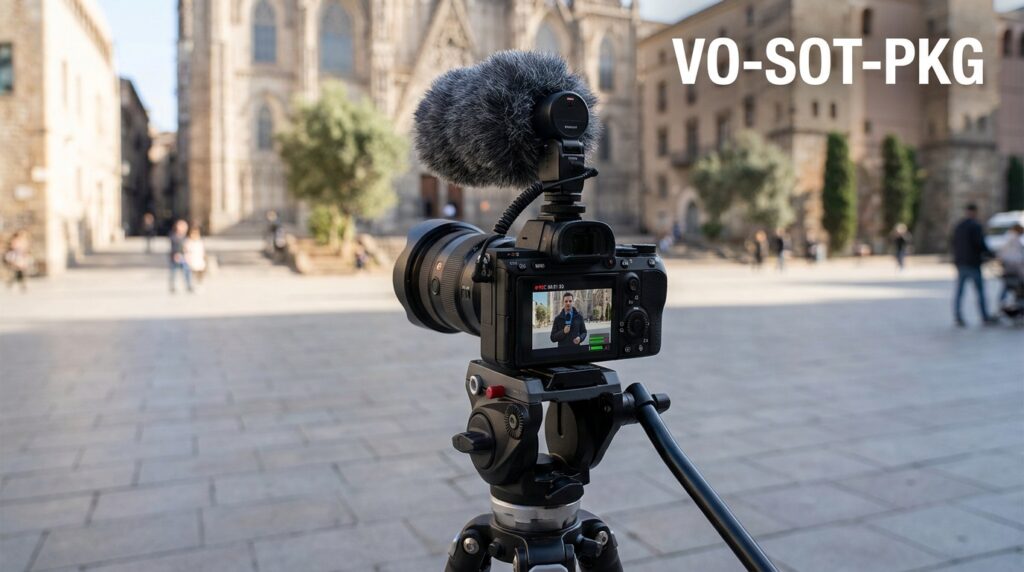

The VO-SOT-PKG format is the three-part engine that turns a rambling vlog into a professional news report. In my time building news-style content for digital platforms, I’ve learned that viewers don’t leave because your camera is cheap; they leave because your structure is messy. If you want to stop being a “content creator” and start being a digital journalist, you have to master these three broadcast building blocks.
The VO Format in a Solo Workflow
VO stands for Voice-Over. In traditional TV, an anchor reads a script while the screen shows video related to the story. When you are the anchor and the editor, the VO is your most powerful tool for keeping the pace fast.
I’ve found that the biggest mistake solo journalists make is talking too much on camera. They think they need to be the “face” of every second. Professional reports use the 30/70 rule: 30% on-camera (talking head) and 70% VO (your voice over images).
When you record your VO, don’t just read. I always record my VO while looking at my timeline in Premiere or Final Cut. This makes my voice match the energy of the clips. If the footage is fast-paced, my voice needs to be punchy. If I’m showing a quiet scene, I slow my cadence down.
Recording VO Without a Sound Booth
You don’t need a $10,000 studio. I’ve recorded professional-grade VO in my bedroom using a simple Shure SM7B or even a Rode VideoMic. The trick is “deadening” the room.
- Throw a heavy blanket over your head and the mic.
- Record at 3 AM to avoid traffic noise.
- Keep your mouth exactly six inches from the mic to avoid “popping” sounds.
Master the SOT (Sound-On-Tape)
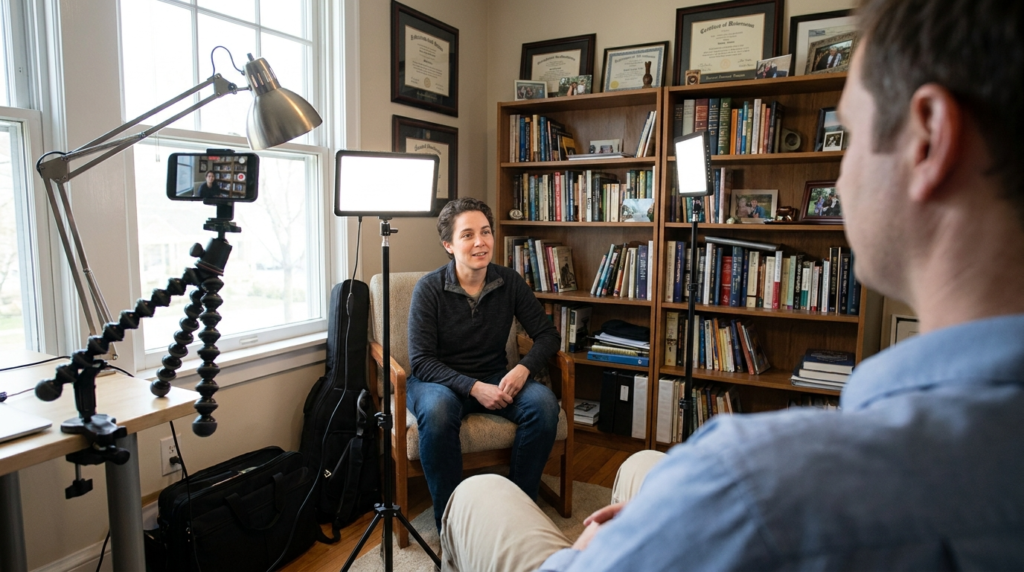
SOT refers to the “Sound-On-Tape,” which is just a fancy way of saying an interview clip. In a solo newsroom, you don’t have a camera operator to frame the guest while you hold the mic. You are doing it all.
The hardest part is the “Ghost Interviewer” problem. This happens when you cut to an interview, and the guest says, “Yes, I agree with that.” The viewer has no idea what “that” is because they didn’t hear your question.
To fix this, I always instruct my guests to “incorporate my question into your answer.” If I ask, “What happened at 9 PM?”, they should say, “At 9 PM, the fire started.” This allows you to cut yourself out entirely, making the report look like a high-end documentary.
SOT Scripting Logic
| Element | Purpose | Timing |
| The Intro | Sets up who is talking and why. | 5-7 seconds |
| The SOT | Provides the emotional or factual “hook.” | 10-15 seconds |
| The Outro | Transitions to the next piece of data. | 3-5 seconds |
In my experience, any SOT longer than 15 seconds kills your retention. If the guest has a lot to say, break it up. Use a small piece of their audio, go back to your VO for a few seconds, then hit them with another SOT. This is called a “VO-SOT-VO” and it’s the secret to keeping people from clicking away.
The PKG (Package) Architecture
The PKG is the full story. It’s the finished product that combines your on-camera stand-ups, your VO, and your SOTs. A standard YouTube news package should run between 2:30 and 4:00 minutes.
I’ve looked at the analytics for dozens of news-style videos. On platforms like YouTube, there is a massive “cliff” at the 30-second mark. If your PKG doesn’t explain exactly what the story is about in the first 10 seconds, you lose 40% of your audience.
The structure I use follows a specific flow. I call it the “Hook-Context-Climax-Resolution” model.
- The Hook (0:00-0:15): The most shocking image or quote.
- The Context (0:15-1:00): Why this matters right now.
- The Climax (1:00-2:30): The core conflict or data.
- The Resolution (2:30-End): What happens next.
Creating the Solo Stand-up
The stand-up is when you are on camera in the field. Since you’re solo, use a lightweight tripod like a Joby GorillaPod. Don’t just stand in front of a wall.
I always look for “active” stand-ups. If I’m reporting on a new tech launch at a store, I’ll walk past the display while talking. This adds movement and energy. It makes the viewer feel like they are there with me.
Solo-Adapted Script Template
Writing for the ear is different than writing for the eye. Use short, simple words. I use a “Two-Column Script” for every video I produce. The left side is for Visuals (what the viewer sees), and the right side is for Audio (what the viewer hears).
The “Diamond” Script Flow
| Visual (Video/B-Roll) | Audio (VO/SOT) |
| [B-ROLL: Drone shot of city] | [VO]: The skyline is changing, but at a cost. |
| [A-ROLL: Anchor on camera] | [VO]: I’m here at the new construction site. |
| [SOT: Local resident] | [SOT]: We didn’t ask for this much noise. |
| [B-ROLL: Construction noise] | [NATS]: (Natural Sound of hammers) |
| [B-ROLL: Close up of blueprints] | [VO]: The city says it’s for the better. |
“NATS” stands for natural sound. Never underestimate the power of a two-second clip of a car driving by or a door slamming. It adds “texture” to your report that raw VO can’t provide.
Platform Specifics and Retention Curves
Your VO-SOT-PKG needs to change based on where you post it. A YouTube audience has a different attention span than someone scrolling on X (formerly Twitter) or LinkedIn.
On YouTube, I’ve noticed that “teasing” the next segment keeps people watching. In my scripts, I’ll say, “But the real problem wasn’t the money—that comes later.” This creates a “curiosity gap.”
Retention Benchmarks by Platform
| Platform | Ideal PKG Length | Hook Requirement | Peak Retention Point |
| YouTube | 3:00 – 8:00 mins | First 10 seconds | 2:00 mark |
| X (Twitter) | 0:45 – 2:20 mins | First 3 seconds | 0:30 mark |
| 1:00 – 3:00 mins | Professional context | 1:00 mark |
On X, I cut the VO down to almost nothing. It becomes an “SOT-Heavy” format. People on X want the raw footage and the direct quote. They don’t want a long introduction.
LinkedIn is the opposite. My data shows that LinkedIn users like a “professional bridge.” They want to know how the story affects their industry. I spend more time on the “Context” section for LinkedIn packages.
The Technical Execution: Split-Track Audio
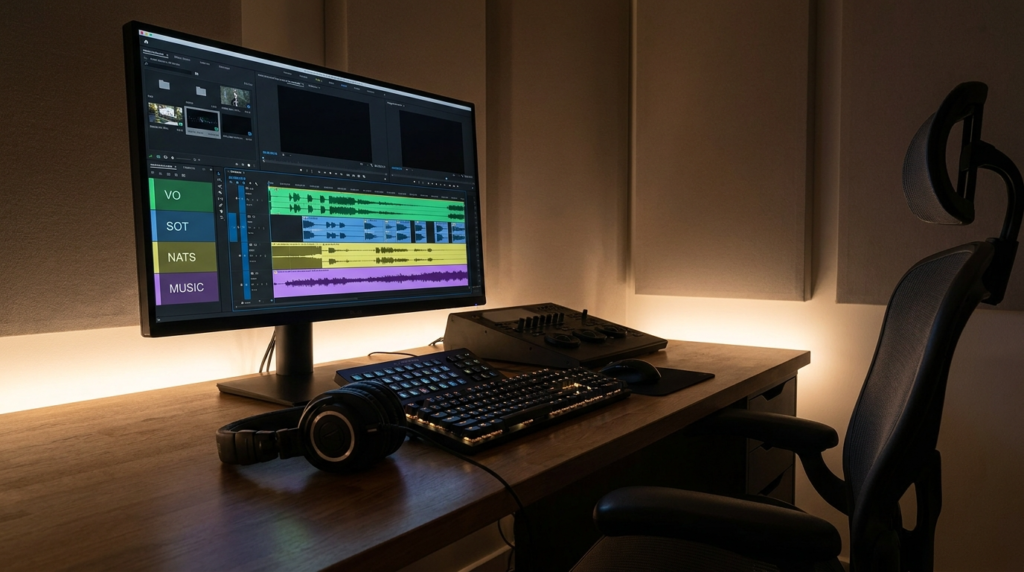
When you are the editor, you have to manage your audio layers. I never put my VO and my SOT on the same track.
Track 1 is always my VO. Track 2 is for SOTs. Track 3 is for Nats/Ambience. Track 4 is for Music. This allows me to adjust the volume of the background noise without accidentally muffling my voice.
I’ve learned that a 3-decibel (dB) difference makes or breaks a video. My VO usually peaks at -3dB. My background music sits at -25dB. If the music is any louder, the “Information Gain” is lost because the viewer is straining to hear the facts.
Software and Gear for the One-Person Newsroom
I don’t use fancy equipment. I use what works fast.
- Editing: Adobe Premiere Pro or DaVinci Resolve. (Resolve has a better “Speech to Text” tool for quick subtitling).
- Camera: iPhone 15 Pro or a Sony ZV-E10.
- Lighting: A single key light at a 45-degree angle.
- Prompting: I use a “Teleprompter” app on my iPad. It saves me hours of memorizing scripts.
Avoiding the “AI Tone” in Your Writing
The biggest threat to a solo journalist today is looking like a bot. If your script sounds like a Wikipedia entry, people will leave. I always write like I’m talking to a friend at a bar.
Instead of saying, “The economic implications are severe,” I say, “This is going to hurt your wallet.” Use contractions. Use “I.” Mention that you were actually there.
“I saw the lines at the gas station myself,” is a much stronger sentence than “Gas station lines were long.” One shows experience; the other shows a summary of facts.
Essential Solo Notations
When you’re editing your own work, your script should have clear markers. I use these three markers to keep my edits organized:
- [UP & UNDER]: This means the natural sound starts loud (UP) then goes quiet (UNDER) so the VO can start.
- [SOT BRIDGE]: This is a 2-second VO clip that connects two different people talking.
- [L-CUT]: This is when the audio of the next clip starts before the video changes. It makes the transition feel “seamless” and professional.
I’ve found that using L-cuts is the easiest way to make a solo production look like it was done by a crew of five. It hides the cuts between your takes and keeps the flow moving forward.
The Reality of One-Person Journalism
Running a solo newsroom is exhausting. You will spend four hours editing a three-minute package. You will realize you forgot to hit “record” on your mic more than once.
But the VO-SOT-PKG format gives you a framework. It stops the “blank page” problem. When I have a story, I don’t wonder how to tell it. I just start filling in the slots: Where is my VO? Who is my SOT? What is my PKG length?
Your click-through rates (CTR) will fluctuate. I’ve had videos with a 12% CTR and others that struggled to hit 2%. The difference is always the “Hook” in the PKG.
Focus on the first 15 seconds. If you nail the VO intro and the first visual, the rest of the format will do the heavy lifting for you. This isn’t about being a “personality”; it’s about being a reliable source of information. Use the structure, follow the timing, and keep your sentences short.