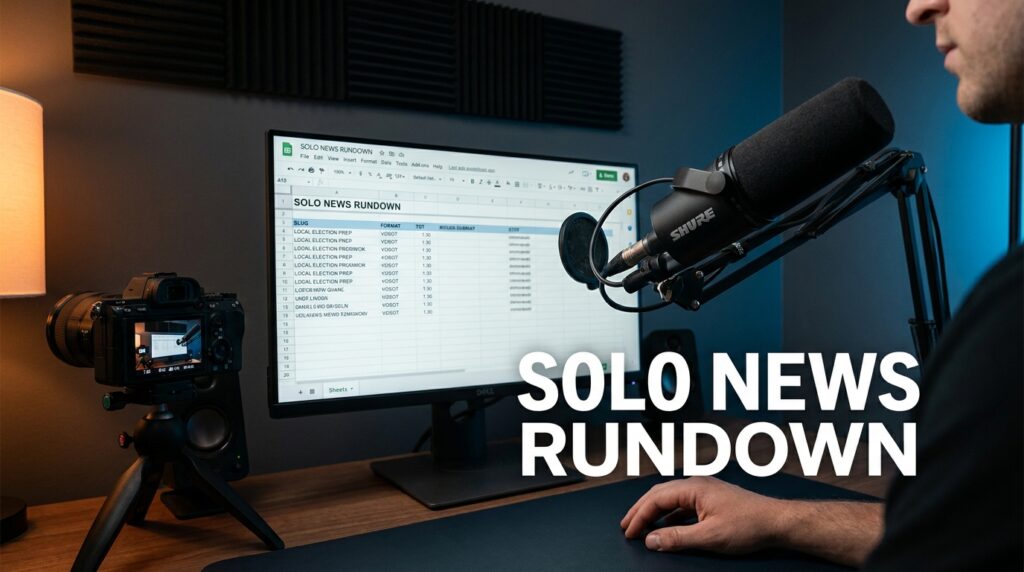

A news rundown is a spreadsheet that acts as the heartbeat of your entire broadcast. It tells you exactly what happens every second of your video so you do not ramble or miss a key visual. When you work alone, this document is your only “producer” reminding you to trigger a graphic or change the subject. Without a clear rundown, a 10-minute news video usually balloons into a 15-minute mess that kills viewer retention.
The Producer Math Behind a 10-Minute Solo Show
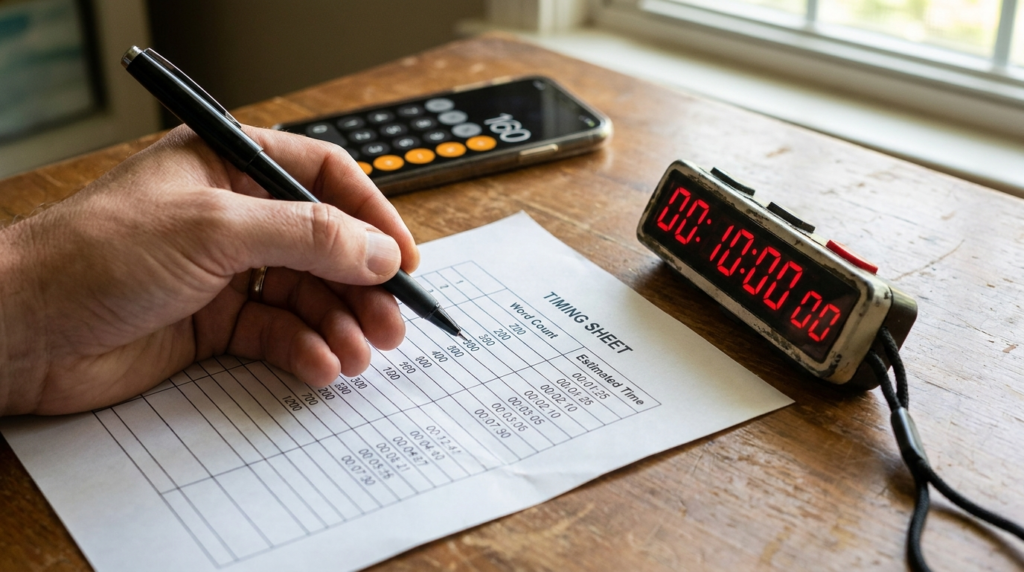
I always start my planning with a simple math formula to ensure the script fits the clock. Most people speak at a rate of 150 to 160 words per minute (WPM). If I write a 2,000-word script, I am already over my 10-minute limit before I even count the intro music or transitions. I use a specific calculation to find the “Total Run Time” (TRT) of my segments.
To calculate the estimated duration of a segment, I use this formula:
$$Duration\ (seconds) = \left( \frac{Word\ Count}{160} \times 60 \right) + Transition\ Buffer$$
The “Transition Buffer” is usually 3 to 5 seconds. This covers the time it takes for a lower-third graphic to animate on screen or for a quick “A-roll” to “B-roll” cut. If I have five segments, I need to account for at least 25 seconds of just “air” between the talking.
Word Count to Time Reference Table
| Word Count | Estimated Time (at 160 WPM) | Total with 5s Buffer |
| 80 Words | 30 Seconds | 35 Seconds |
| 160 Words | 1 Minute | 1 Minute 5 Seconds |
| 320 Words | 2 Minutes | 2 Minutes 5 Seconds |
| 800 Words | 5 Minutes | 5 Minutes 5 Seconds |
| 1,440 Words | 9 Minutes | 9 Minutes 25 Seconds |
In my experience, 1,400 words is the absolute limit for a 10-minute show. This leaves exactly 60 seconds for your intro animation, “kicker” story, and outro music. If you go over this, you will find yourself rushing the delivery, which makes you sound nervous rather than authoritative.
Columns Your Solo Rundown Needs to Succeed
Standard newsroom software like ENPS or Octopus is too expensive for a solo creator. I build my rundowns in Google Sheets because it allows me to link my scripts directly to the timing cells. Your rundown must have specific columns that handle the technical side of the show so your brain can focus on the performance.
The ID and Segment Name
The first column is the “Slug.” This is a short, 2-3 word title for the story, like “FED RATE HIKE” or “LOCAL FIRE.” I keep these simple so I can see the flow of the show at a glance. The second column is the “Format,” which tells me how the story is delivered.
Common formats I use include:
- READ: Just me on camera talking to the lens.
- VO (Voice Over): I am talking while B-roll footage or a static image plays.
- SOT (Sound on Tape): A clip of someone else talking, like an interview snippet.
- GRAPHIC: A full-screen chart or list that I explain.
Technical Cues and Asset Links
This is where solo operators usually fail. You need a column for “Graphics/B-Roll Cues.” I list the exact file name of the video or image I need to show. For example, if I use OBS (Open Broadcaster Software) to record, I note which “Scene” I need to switch to.
I also include a “Link” column. This points to the Google Drive folder where I keep the raw assets for that specific segment. When I am in the middle of a recording session, I do not want to hunt for a file named “IMG_5921.jpg.” I want to see “Chart_Unemployment_Final.”
The 10-Minute Solo News Block Strategy
I structure my 10-minute broadcasts using a “Top-Down” weight system. This means the most important, high-energy news happens in the first three minutes. If you put your best story at minute seven, your analytics in YouTube Studio or Wistia will show a massive drop-off before the viewer even gets there.
Sample 10-Minute Solo Rundown Template
| Segment # | Slug | Format | Est. Time | Tech/Graphic Note |
| 1.0 | Show Open | VO/Music | 0:15 | Intro Animation + Theme Music |
| 1.1 | The Lead | READ/VO | 1:30 | Lower Third: Name/Topic |
| 1.2 | Deep Dive | VO/SOT | 3:00 | B-Roll: City Hall / Interview Clip |
| 1.3 | Quick Hits | READ/GRAPHIC | 2:00 | Full-screen list of 3 minor stories |
| 1.4 | Local Buzz | VO | 1:45 | Community photos / Social posts |
| 1.5 | The Kicker | READ | 1:00 | A “feel good” or weird final story |
| 1.6 | Close | READ/Music | 0:30 | Social handles / Call to Action |
This structure keeps the pace fast. I’ve found that staying on one visual for more than 20 seconds is a mistake. Even if I am still talking about the same story, I make sure my rundown has a “Visual Change” cue every 15-20 seconds to keep the eye engaged.
Mapping Your Script to the Rundown
I don’t just write a script and hope it fits. I write in segments. When I finish the “Deep Dive” section, I check the word count immediately. If it says 600 words, I know I have a problem because that is nearly 4 minutes of talking. I then edit for “tightness” by removing adjectives and redundant phrases.
I use a “Back-Timing” method to manage the recording. If I know the total show must be 10:00, and I am at segment 1.4, I look at my “Actual Time” column. If I am currently at 8 minutes, I know I only have 2 minutes left for the Local Buzz and the Kicker. I might decide to “kill” the Local Buzz story on the fly to ensure the show ends on time.
How to Handle Transitions Alone
Transitions are the “connective tissue” of your news show. As a solo operator, you don’t have a director saying, “Stand by camera two.” You have to do it yourself. In my rundown, I write out the “Transition Phrase” for every segment.
Examples of transition phrases include:
- “While the city focuses on budget cuts, local businesses are looking at a different problem.”
- “That brings us to our tech spotlight of the week.”
- “But the news isn’t all heavy today; look at what happened in the park this morning.”
I bold these phrases in my script and highlight them in the rundown. They act as my “safe harbor.” If I get lost or mess up a sentence, I know I can jump to the next bold transition phrase to get back on track.
Organizing Your Physical Workspace for the Rundown
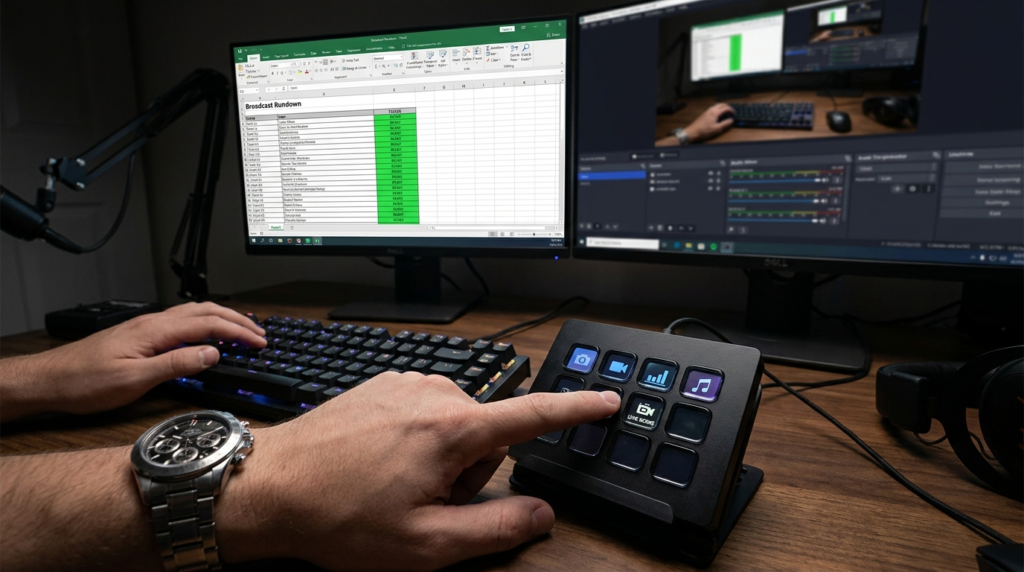
Your rundown is useless if you have to squint at a screen three feet away while trying to look at the camera. I use a dual-screen setup where my rundown is on a vertical monitor to my left, and my teleprompter software (I prefer PromptSmart because it follows my voice) is directly over the lens.
I also use a physical “Stream Deck” or a numbered keyboard. I map the numbers on the rundown to the buttons on the deck. If segment 1.2 is a “VO” segment, button #2 on my desk triggers the B-roll in my recording software. This physical alignment between the spreadsheet and the buttons reduces the mental load of being a “one-person band.”
The Pre-Flight Checklist
Before I hit the record button, I do a “Rundown Walkthrough.” I don’t read the whole script. I just look at the transitions and the graphics cues.
- Check that all B-roll files in the “Link” column are actually downloaded.
- Ensure the “Lower Third” names are spelled correctly in the graphics cue.
- Verify the “Total Run Time” (TRT) of any interview clips (SOTs).
- Test the audio level of the intro music against my microphone level.
I’ve learned that a mistake in the rundown usually leads to a mistake in the edit. If I mark a segment as a “VO” but I don’t have the footage ready, I end up with “dead air” or a jump cut that looks unprofessional.
Balancing Information Density and Tone
When writing for a solo news show, you have to be careful not to pack too much data into the 10-minute window. I’ve seen many creators try to cover ten stories in ten minutes. This results in a “headline rip” style that provides no value. It’s better to cover three stories deeply and “zip” through the rest in a “Quick Hits” segment.
I use a “3-2-1” rule for my 10-minute shows:
- 3 Minutes on the most important story of the day.
- 2 Minutes each on two secondary stories.
- 1 Minute on a lighthearted kicker.
- The remaining 2 Minutes are for the intro, transitions, and the “Ask.”
This balance prevents the audience from feeling overwhelmed. I’ve found that when I try to be too “dense,” my engagement metrics show people scrubbing through the video to find the end. They want a narrative, not a data dump.
Managing Your Assets and Version Control
The biggest risk to a solo newsroom is using the wrong version of a script or an old graphic. In my Google Sheets rundown, I use a “Status” column with a dropdown menu: “Not Started,” “In Progress,” “Drafted,” and “Ready.” I never record a segment unless the status is “Ready.”
I also use a specific naming convention for all my assets. I use the “Slug” from the rundown. If the slug is “HOUSING_CRISIS,” all related files are named “HOUSING_CRISIS_VO.mp4” or “HOUSING_CRISIS_CHART.png.” This simple habit saves me roughly 20 minutes of editing time per video because I don’t have to guess which file goes where.
Asset Organization Table
| Asset Type | Naming Convention | Storage Location |
| B-Roll Video | SLUG_VO_01 | /Project/Assets/Video |
| Static Image | SLUG_IMAGE_01 | /Project/Assets/Images |
| Interview Clip | SLUG_SOT_Name | /Project/Assets/SOT |
| Full Graphic | SLUG_FSG_01 | /Project/Assets/Graphics |
By keeping the rundown as the “Source of Truth,” I can outsource the editing later if I need to. I can simply hand the editor the rundown and the asset folder. Because the rundown lists every cue point and timing, they can assemble the show exactly how I envisioned it without me having to sit over their shoulder.
Adjusting the Rundown Post-Recording
After I finish recording, I always go back to the rundown and fill in the “Actual Time” column. This is a vital feedback loop. If I estimated a segment at 2:00 but it took me 2:45, I need to know why. Did I speak too slowly? Did I ad-lib too much?
Usually, I find that I am over-writing my scripts. By tracking the difference between “Estimated” and “Actual” time over several weeks, I’ve improved my timing accuracy to within 5 seconds per segment. This precision is what separates a “YouTube video” from a professional news broadcast.
I also use a “Notes” column at the very end of the sheet. I write things like “Lighting was too harsh in 1.2” or “Transition to 1.4 felt clunky.” This acts as a journal for my growth as a solo journalist. I don’t have a news director to give me a performance review, so I have to be my own critic. This process ensures that every 10-minute video I produce is slightly better than the last one.