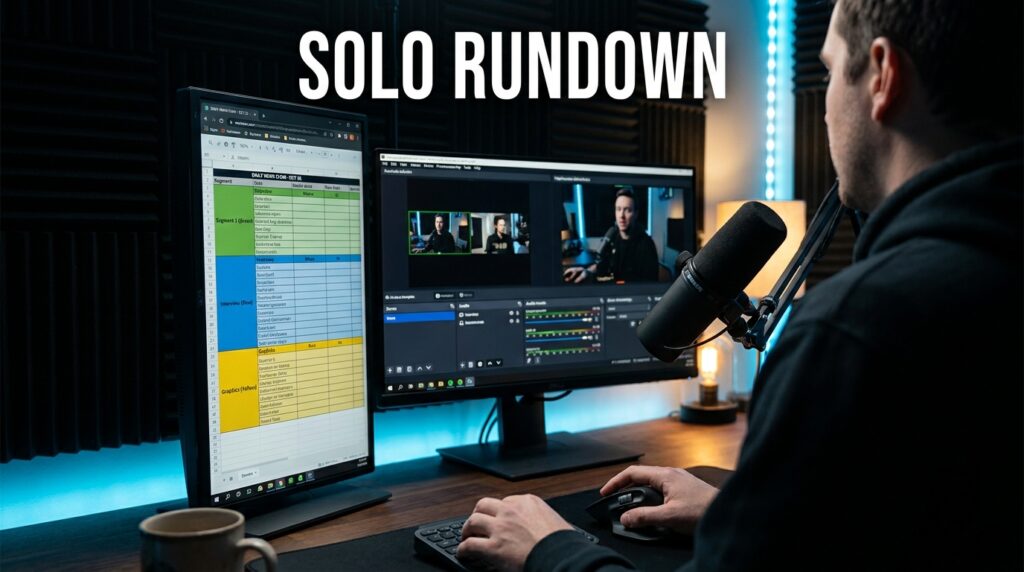

You do not need a five-figure enterprise contract with Associated Press or Avid to produce a live broadcast. I build highly responsive, timing-accurate rundowns using flexible database tools like Notion, Airtable, and Google Sheets. When you run a one-person newsroom, traditional software like ENPS becomes a massive bottleneck. It requires local servers, dedicated IT support, and tedious onboarding. You need a lightweight, cloud-based tool that handles segment timing, graphic cue notes, and anchor copy storage without the enterprise overhead.
A rundown is a mathematical document, not just a to-do list. It dictates exactly when a camera goes live, how long a video package runs, and what text the teleprompter displays. Building this infrastructure yourself requires understanding exactly what data a live show needs.
The Anatomy of a Live Broadcast Rundown
Every working broadcast rundown requires five core columns. If your software cannot track these five elements, your live show will quickly fall apart.
- Page or Block: The structural letter of the show segment (A Block, B Block).
- Slug: The internal working title of the story (e.g., “City Hall Protest”).
- Format: The technical delivery method (VO, SOT, PKG, ON CAM).
- Total Running Time (TRT): The exact duration of the segment in minutes and seconds.
- Backtime/Fronttime: The live clock time when a specific segment must begin or end to keep the show on schedule.
Enterprise software calculates backtime automatically. When a producer trims ten seconds from a video package in block A, the entire show’s backtime updates instantly. We have to replicate this automated math using standard database tools.
Evaluating Free Rundown Alternatives
Not every spreadsheet app functions well in a live production environment. I have tested the major platforms against the specific stresses of a live, one-person broadcast.
| Platform | Best Use Case | Backtiming Math | Script Storage | Offline Reliability |
| Airtable | Heavy video asset tracking | Excellent (Native Duration) | Poor (Small text fields) | None |
| Notion | Text-heavy teleprompter copy | Difficult (Complex formulas) | Excellent (Full pages) | Limited |
| Google Sheets | Fast, low-bandwidth updates | Great (Time formatting) | Average (Cell wrapping) | High |
| Rows.com | Financial or sports data | Good | Average | None |
Airtable for Strict Segment Backtiming
Airtable handles mathematical time formatting better than almost any other free tool. You can set a specific column type to “Duration” formatted as mm:ss. This allows you to run exact backtiming formulas without the text-to-number conversion errors that often plague Notion.
I use Airtable when a show relies heavily on pre-recorded video packages. The platform allows you to attach MP4 files directly to the rundown row. You can review the video asset, check the TRT, and verify the lower-third graphics cues all in one line. The major drawback is the lack of a proper word processor for your anchor copy. Writing a full 500-word script inside an Airtable cell feels cramped and makes teleprompter export difficult.
Notion for Scripting and Asset Storage
Notion excels at handling the actual text of your broadcast. Every row in a Notion database opens into a blank page. You can keep your structural data (TRT, format, slug) in the database columns, and write your entire broadcast script inside the page.
This mirrors the split-screen functionality of iNews. You see the grid of the show on top, and the actual words you need to say underneath. I frequently export Notion pages directly as PDFs to load into prompter software. The downside is that Notion struggles with mm:ss time formats. You often have to convert your segment times into raw seconds, run the addition formula, and convert it back to a readable clock time.
Google Sheets for Zero-Latency Updates
When a breaking story happens during a live stream, Notion and Airtable can take a few seconds to sync across devices. Google Sheets updates instantly. For a solo operator running a control room on one monitor and reading a prompter on another, that zero-latency sync is vital.
Sheets also gives you complete control over your screen real estate. You can hide gridlines, color-code entire rows with conditional formatting, and freeze the top row so your headers never disappear.
Rows for Data-Heavy Solo Broadcasts
Rows.com approaches spreadsheets differently by integrating directly with external APIs. If you produce a solo financial news show or a sports recap, you can connect a cell directly to a stock ticker or a live scoreboard. The rundown automatically updates the specific data points in your script right up until you go live on camera.
The Exact Notion Broadcast Rundown Setup
If your show requires heavy scripting and you want to use Notion, you need to structure your database correctly from the start. A poorly formatted database will look terrible on a mobile device and slow you down during a broadcast.
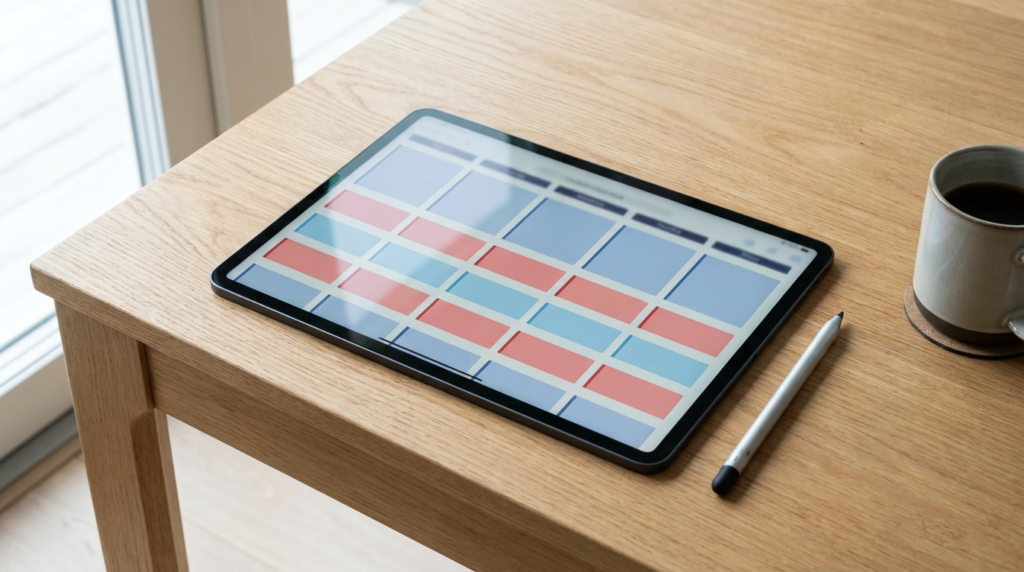
Create a new database in Notion and set the layout to “Table”. Here are the exact properties you need to build.
| Property Name | Property Type | Purpose in Broadcast |
| Block | Select | Group rows by show segment (A, B, C). |
| Slug | Title | The working name of the story. |
| Format | Select | ON CAM, VO, VO/SOT, PKG. Color code these. |
| Estimated Secs | Number | The target duration of the read or video in seconds. |
| Graphics Cues | Multi-select | Text tags for lower thirds (e.g., “Locator: London”). |
| Cam Angle | Select | Cam 1, Cam 2, Desktop Screen Share. |
To handle timing in Notion without breaking the database, stick to raw seconds. Enter 90 for a minute-and-a-half video package. You can then create a “Rollup” property at the bottom of the database to sum up the entire “Estimated Secs” column. Divide that number by 60 in your head to get your total show length. Keep the actual spoken script inside the page of each row.
Engineering Backtime Math in Google Sheets
For exact mathematical backtiming, Google Sheets is the most reliable free option. You must force the spreadsheet to understand that you are typing durations, not standard decimal numbers.
- Select the column you want to use for your segment duration (TRT).
- Click Format > Number > Custom date and time.
- Delete the default formatting and set it to exactly Minute:Second (mm:ss).
- Create a new column next to it called “Hit Time”.
- In the first row of “Hit Time”, type your show’s start time (e.g., 08:00:00).
- In the second row of “Hit Time”, write a basic addition formula:
=E2+D2(assuming E is your Hit Time column and D is your TRT column).
Drag that formula down. As you type a duration like 01:30 into the TRT column, the Hit Time column will automatically calculate that the next segment must begin at 08:01:30. This gives you an enterprise-grade backtiming clock for free.
Teleprompter Integration Without Enterprise Software
Traditional newsroom systems push text directly to the studio teleprompter over a local network. A solo journalist has to bridge the gap between their rundown builder and their camera manually.
I use a two-device workflow. I keep the master Google Sheet or Notion database open on my main desktop monitor. This is my control panel for switching scenes in OBS Studio or vMix. I run the actual teleprompter from an iPad mounted on the camera lens.
To move the text from the rundown to the prompter, I rely on cloud-synced text files. I write the anchor copy inside Notion. Right before recording, I copy the final script into a plain text editor like Google Docs or Apple Notes. My iPad teleprompter app (like PromptSmart or Teleprompter Premium) imports that text document directly from the cloud. It is a manual step, but it takes less than thirty seconds and avoids the need for expensive NDI text-sending plugins.
Structuring Your Screen Real Estate During a Live Show
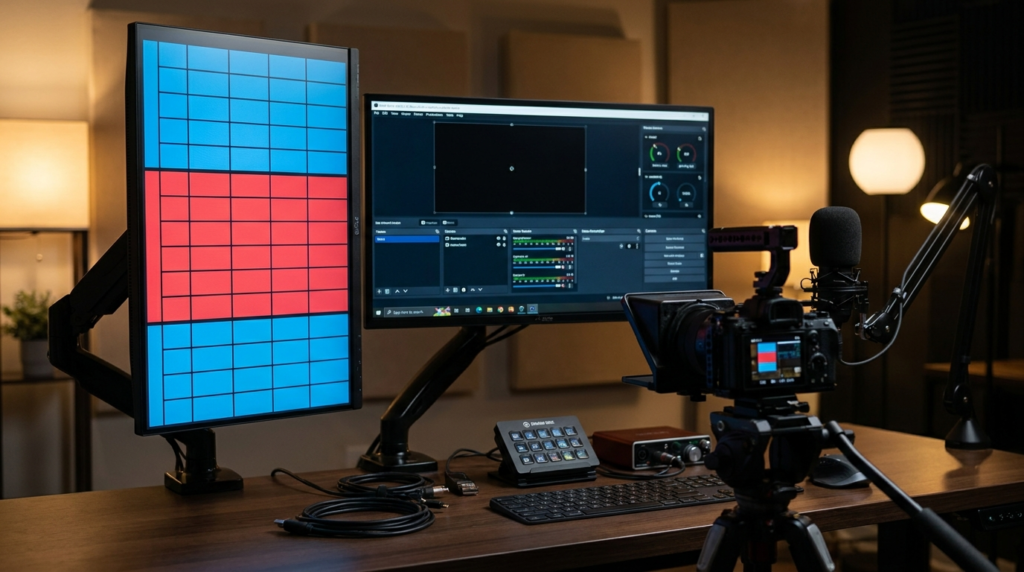
Running a broadcast by yourself means managing cognitive overload. You are the technical director, the audio engineer, and the talent. Your software layout must be ruthlessly efficient.
Never keep your rundown on the same screen as your broadcasting software. Buy a cheap second monitor and mount it vertically. Keep your Airtable or Google Sheet rundown maximized on that vertical monitor. This allows you to see the entire structural flow of your A, B, and C blocks without scrolling. Keep OBS or vMix on your primary horizontal monitor.
Use color coding heavily in your rundown. Paint every “ON CAM” row blue. Paint every “PKG” row red. When you are reading a script and listening to a guest, your peripheral vision can identify a red block approaching on the vertical monitor. That color cue tells your brain to prepare to hit the hotkey that rolls the next video package. Building your own system forces you to design a workflow tailored entirely to your own physical habits.