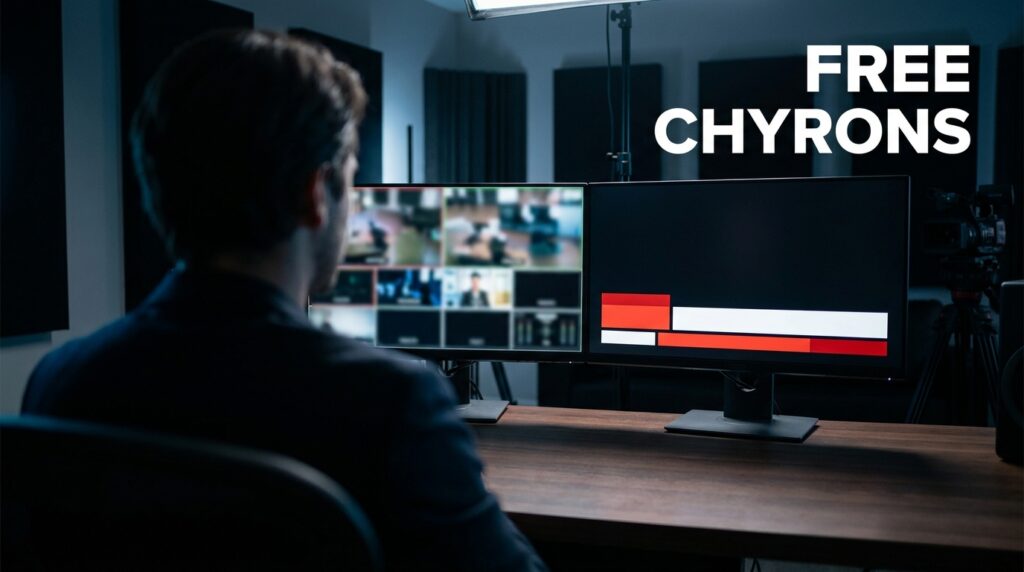

Most free “lower third” tools online are built for Twitch streamers, not news broadcasters. If you run a one-person newsroom, slapping a neon, animated subscriber goal on your screen destroys your credibility. You need a traditional chyron. That means clean lines, legible typography, and a structured data workflow that looks like a CNN or Bloomberg feed. I spent extensive time wrangling complex broadcast switchers before migrating to modern, lean setups. Today, you can achieve broadcast-grade on-screen graphics for zero dollars. We will bypass the gaming overlays and look at three specific paths: Singular.live, CasparCG, and custom HTML/CSS integrations for OBS.
The Problem with Gaming Overlays in News
When you search for broadcast graphics, algorithms push you toward platforms like StreamElements or Streamlabs. These platforms excel at alert boxes and chat widgets. They fail completely at structured, text-heavy news presentation. A one-person newsroom needs a system built around data entry, not viewer triggers.
If a breaking story happens, you need to type a headline, a subheadline, and update a scrolling ticker in real-time. You cannot do this efficiently using a standard stream overlay interface. The tools we look at below treat text as dynamic data. They separate the visual design from the text entry. This allows you to update the news without touching the graphic design while you are live on air.
Singular.live for Cloud Graphics
Singular.live operates entirely in the cloud. It is the closest thing a solo operator gets to a million-dollar broadcast control room. It renders graphics on their servers and sends them to your production software via a simple web URL.
How Singular Works for Solo News
I use Singular when I need to jump between multiple computers or remote locations. You build your graphics in their Composer tool. Then, you operate them using their Studio interface. The free tier gives you a watermark, but non-profit or educational users can often get it removed.
The Composer interface looks like Adobe After Effects. You build your lower third, define the text boxes, and publish it. In the Studio interface, you get a clean grid of text fields. You just type your headlines and hit the “Take” button. The graphic animates on screen perfectly every time.
Executing a Traditional News Look
Singular offers pre-built templates, but many lean toward sports broadcasting. To get a hard news look, you need to strip the templates down.
- Remove heavy drop shadows and 3D bevels.
- Stick to flat colors like deep blue, white, and crimson red.
- Ensure your text boxes have strict character limits to prevent overlapping.
- Use standard, highly readable fonts like Roboto or Open Sans.
CasparCG: The Legacy Broadcast Powerhouse
CasparCG is open-source software originally developed by the Swedish broadcasting company SVT. It plays out professional graphics, audio, and video to multiple screens. It is incredibly powerful. It is also notoriously difficult to learn.
The Learning Curve and Hardware
Unlike cloud-based tools, CasparCG runs locally on your machine. It uses a client-server model. The “Server” runs in the background and renders the graphics. The “Client” is the interface you click on to trigger those graphics.
If you want to run CasparCG on the same machine as OBS, you need a powerful graphics card. The software expects to output to dedicated broadcast hardware, like a DeckLink card. However, you can route the output into OBS using NDI (Network Device Interface). This setup takes patience. You will spend hours reading forum posts to get the alpha channel transparency working correctly over NDI.
Workflow for a One-Person Desk
Once configured, CasparCG is bulletproof. You build your graphics using HTML5 and Adobe Animate. The playout client allows you to create run-downs. You can pre-type all your chyrons for a 20-minute news segment before you go live. During the broadcast, you simply hit the spacebar to trigger the next graphic. This is exactly how major network news handles their lower thirds.
Custom HTML and CSS Lower Thirds in OBS
If Singular is too reliant on the cloud and CasparCG is too complex, local HTML is your best option. OBS Studio has a built-in Browser Source. You can point this source to an HTML file sitting on your desktop.
Why Local HTML Beats Heavy Plugins
OBS plugins can crash. Cloud tools drop out if your internet fluctuates. A local HTML file never fails. I build my own chyrons using basic web coding. You define the shape and colors in CSS. You write the text in HTML. You can add simple animations using CSS transitions.
When you need to update the text, you open the HTML file in a text editor like Notepad. You change the text, save the file, and click “Refresh cache of current page” in the OBS Browser Source properties. The graphic instantly updates on your stream.
Building a Simple News Ticker
A scrolling news ticker is a staple of news broadcasting. You can build one in five minutes with HTML and CSS. You create a container div at the bottom of the screen. Inside it, you place a text span. You apply a CSS keyframe animation that moves the text horizontally from 100% to -100%.
This method requires zero third-party software. It uses virtually zero CPU power. It gives you absolute control over the pixel-perfect placement of your graphics.
Comparing the Top Free Chyron Tools
Choosing the right tool depends entirely on your technical comfort level and your daily production routine.
| Tool | Difficulty | News Aesthetic Score | Best For | Hardware Load |
| Singular.live | Medium | 9/10 | Remote setups, fast updates | Very Low (Cloud) |
| CasparCG | High | 10/10 | Studio environments, run-downs | High (Local GPU) |
| HTML/CSS (OBS) | Low | 8/10 | Budget solo desks, reliability | Very Low (Local) |
| StreamElements | Low | 3/10 | Gamers, chat interaction | Low (Cloud) |
The News Aesthetic Score is based on the tool’s ability to handle structured data, flat design principles, and broadcast-standard title safe areas.
Transforming Templates into Professional Graphics
Even the best software looks amateur if the design is flawed. The gap between a hobbyist and a professional broadcast usually comes down to spacing and typography. A one-person newsroom has to act as the art director.
- Respect Title Safe Areas: Never push text to the absolute edge of the screen. Keep a 10% margin on all sides.
- Contrast is Mandatory: White text needs a dark background. If you use a light gray chyron, use black text. Never use red text on a blue background.
- Ditch the Animations: News graphics should slide in quickly or simply fade up. Do not use bouncy, elastic, or spinning animations. They distract from the story.
- Limit Your Palette: Pick two main colors. CNN uses red and white. Fox News uses red and blue. Pick a scheme and stick to it strictly across all assets.
Integrating Chyrons into Your Live Workflow
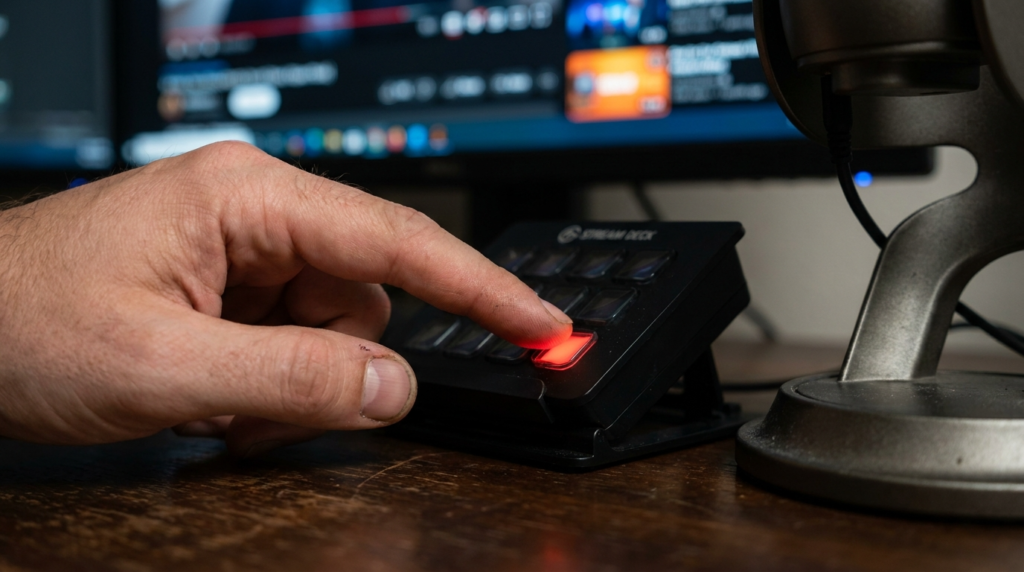
Operating a news desk alone is a stressful task. You are the host, the technical director, and the graphic operator simultaneously. Your chyron workflow must be simple enough to manage while speaking to the camera.
If you use OBS, map your graphic sources to a physical stream deck or a numeric keypad. Set up a dedicated scene for your main camera shot. Place your HTML chyron or Singular URL source in that scene. Assign a hotkey to toggle the visibility of that specific source.
When you read a story, you hit the hotkey. The graphic appears. When you finish the story, you hit it again to remove the graphic before moving to the next topic. Keep the graphic on screen for at least five seconds. Viewers need time to read the text while listening to your audio. Fast, erratic switching looks sloppy. Smooth, deliberate graphic placement builds authority.