
You can fit a world-changing event into 90 seconds if you stop writing for the eye and start writing for the ear. Most creators fail at short-form news because they use marketing hooks meant for selling protein powder instead of journalistic structures designed for information retention. In my experience running a lean news operation, the secret isn’t a viral trick; it’s the “Diamond” broadcast structure adapted for a single smartphone camera.
The Anatomy of a High-Speed News Script
Broadcast writing is built on the “Write to Video” principle. I’ve found that when you try to explain a complex topic like a city council zoning change or a tech layoff at a company like Intel, you have exactly 155 to 170 words to work with for a 90-second clip. If you go over 180 words, you’ll end up rushing your delivery, and your audience will stop processing the facts.
I break my 90-second scripts into five distinct mechanical parts. This structure ensures the viewer knows what happened, why it matters, and who is involved before they have a chance to swipe away.
- The Cold Open (0-8 Seconds): A visual and verbal punch that establishes the “What.”
- The Lead/Toss (8-15 Seconds): You appear on camera to establish your authority and “toss” to the story.
- The Track (15-60 Seconds): The meat of the story told over B-roll or graphics.
- The SOT or “Sound on Tape” (60-75 Seconds): A clip of someone else speaking to provide a different perspective.
- The Tag (75-90 Seconds): A final sentence on camera that looks forward to what happens next.
Master the Cold Open and the Hard Lead
I never start a news story with “Hey guys, welcome back.” That’s a death sentence for retention. I start with the most striking piece of evidence. If I’m covering a data breach at a company like T-Mobile, my first line isn’t “There was a hack.” It’s “Your social security number might be on a dark web forum right now.”
The goal is to answer the viewer’s “So what?” in the first five seconds. In broadcast, we call this a “Hard Lead.” It’s a single, punchy sentence that contains the “Who,” “What,” and “Where.” I aim for exactly 12 to 15 words here.
Comparing Hook Styles for News
| Feature | Marketing Hook (Avoid) | Broadcast News Hook (Use) |
| Tone | “You won’t believe what happened!” | “The city’s oldest bridge just closed indefinitely.” |
| Focus | Mystery and curiosity gaps. | Immediate factual clarity. |
| Speed | Slow build-up. | High-velocity information. |
| Goal | Get a click. | Establish credibility. |
Why Your Sentence Length Controls Your Credibility
When I moved from writing for digital print to broadcast, I had to unlearn long sentences. In a one-person newsroom, your voice is your primary tool. If you write a 30-word sentence, you’ll run out of breath. You’ll sound tired. You’ll lose the authoritative tone needed for news.
I keep my broadcast sentences to an average of 16 words. Short sentences create a natural rhythm that mimics how humans actually talk when they’re sharing urgent information. Long sentences with multiple commas confuse the listener because they can’t go back and “re-read” what you just said.
I use the “One Idea Per Sentence” rule. If I need to explain that a new law passed and it affects small businesses in Austin, I don’t put those in one sentence. I say: “Austin just passed a new tax law. It targets businesses with fewer than ten employees.” It’s punchy. It’s clear.
The Track and B-Roll Marriage
The “Track” is your voiceover. In my workflow, I never record the track and then look for video. I look at the video I have from sources like Reuters, Getty, or even local street footage, and I write words that describe what the viewer is seeing.
If I’m showing a clip of a SpaceX Falcon 9 launch, I don’t talk about the history of Elon Musk’s childhood. I talk about the engines firing at that exact moment. This is “Touching the Video.” It creates a sensory connection that makes the 90 seconds feel like an experience rather than a lecture.
Metrics for a 90-Second News Package
- Total Word Count: 155–170 words.
- Average Sentence Length: 14–18 words.
- B-Roll Cut Frequency: New visual every 2 to 3 seconds.
- Speaker Pacing: 150 words per minute (WPM).
Using SOTs for Instant Expertise
A “Sound on Tape” (SOT) is a clip of an interview or a public statement. Even as a solo creator, I use these to break up the monotony of my own voice. It adds what we call “E-E-A-T” in the journalism world. By including a 10-second clip of a CEO from a company like Apple or a local fire chief, I’m showing that I’ve done the research.
I’ve noticed that the best SOTs aren’t factual. They are emotional or opinionated. I provide the facts in my “Track,” and I let the SOT provide the “Why.”
If I’m reporting on a new park being built, I say: “The city spent five million dollars on this playground.” (Fact). Then I play a clip of a neighbor saying: “This is the first time my kids have had a safe place to play in a decade.” (Emotion). That’s a professional news structure.
The Solo Operator’s Script Rewrite Exercise
To show you how this works, let’s look at a typical print-style news paragraph and how I would rewrite it for a 90-second video.
The Print Version (Too long, too slow):
“In a surprising turn of events yesterday afternoon, the local school board decided during a heated three-hour meeting to officially ban the use of all smartphones within middle school classrooms starting next semester, citing a significant rise in student distractions and a decline in standardized test scores across the district.”
The Broadcast Rewrite (Punchy, active, 90-second ready):
“Middle schoolers in this district are losing their phones. The school board just voted for a total classroom ban. It starts next semester. Officials blame dropping test scores and constant distractions. I spoke with parents who say it’s about time.”
Breaking Down the Differences
| Print Attribute | Broadcast Attribute |
| Passive voice (“The decision was made”). | Active voice (“The board voted”). |
| Complex, multi-clause sentences. | Simple, declarative sentences. |
| Past tense focus. | Present tense focus (“It starts next semester”). |
| Buries the lead. | Puts the main point in the first five words. |
Technical Execution for the One-Person Newsroom
I don’t use a professional studio. I use a corner of my room with a ring light and a smartphone. However, the “look” of news is specific. I’ve found that “Eyeline” is the most important factor in trustworthiness.
I keep the camera lens at exactly eye level. If the camera is lower than my eyes, I look like I’m lecturing the audience. If it’s higher, I look diminished. I also use a lapel microphone hidden under my shirt. News viewers will forgive average video quality, but they will leave immediately if the audio has an echo or wind noise.
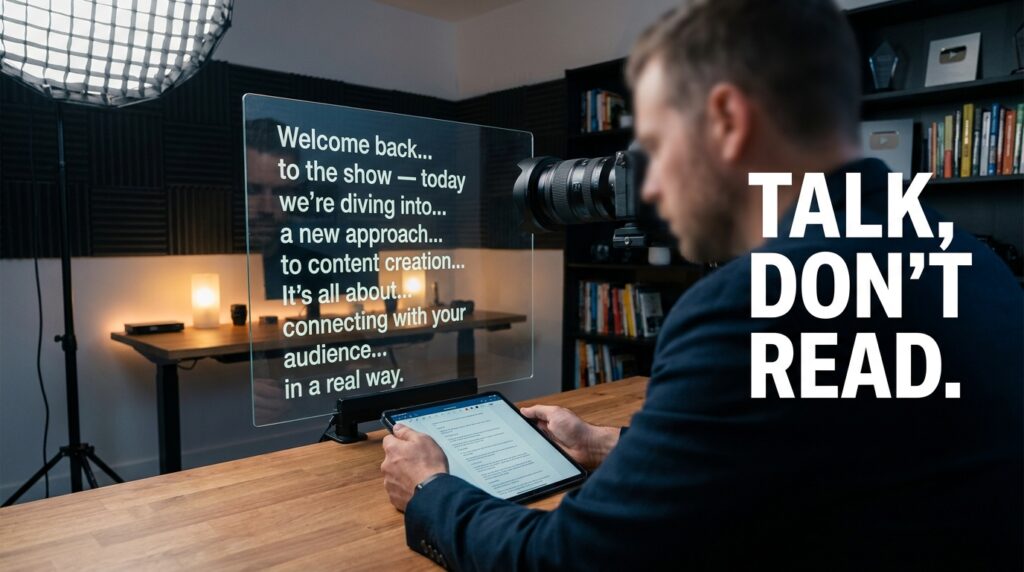
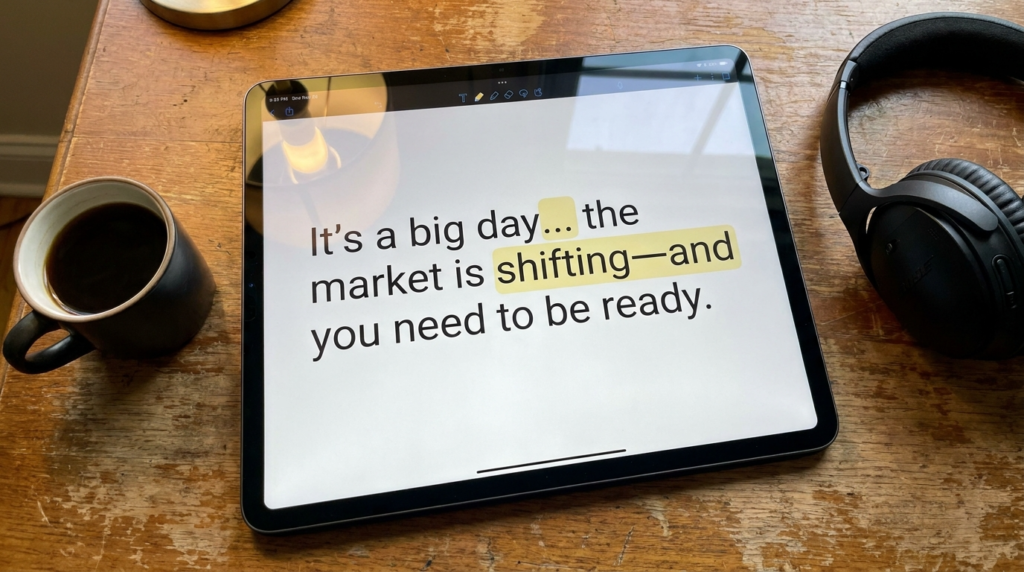
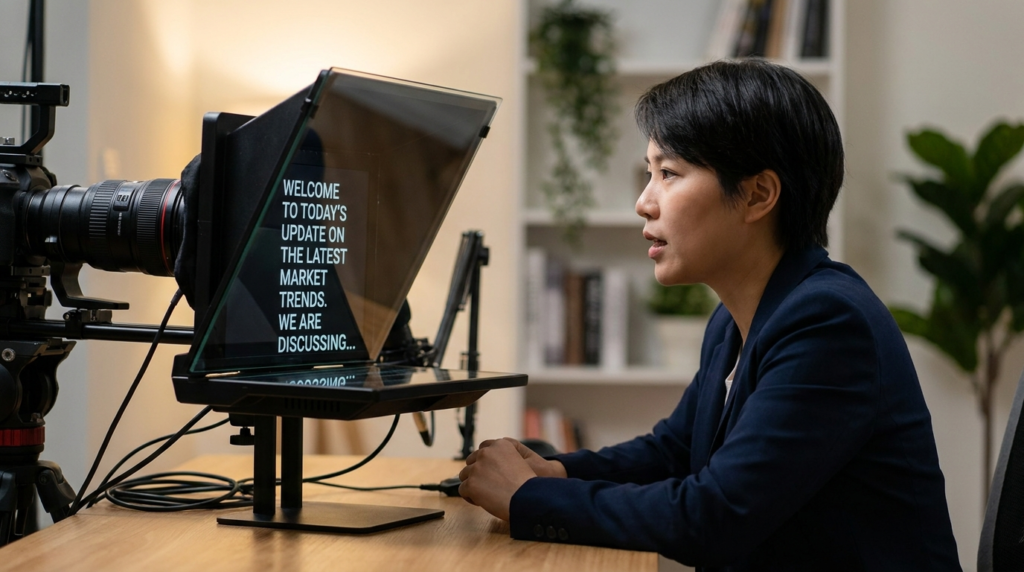
I use a teleprompter app on my phone to maintain eye contact. If I look away to check my notes, the “spell” of authority is broken. I set the scroll speed to 150 words per minute. This feels like a natural, conversational pace for most people.
Writing the “Tag” for Maximum Impact
The end of your 90-second story shouldn’t be a summary. It should be a “Forward-Looking Tag.” I tell the viewer what to watch for next. This keeps the news cycle moving and encourages them to follow me for updates.
If I’m covering a court case involving a company like Google, I don’t say “So that’s what happened in court today.” I say: “The judge expects a ruling by Friday. I’ll be back here with the verdict as soon as it drops.”
This creates a “To Be Continued” effect. It transforms a one-off video into a recurring news service. I’ve seen my retention rates stay above 70% late into the video when I use this specific forward-looking structure.
Handling Complex Data in Short Form
When I have to report on numbers—like a 4.2% inflation rate or a 500-million-dollar budget—I never just say the numbers. I use a “Comparison Framework.”
I’ve learned that listeners struggle to visualize large numbers. If I say a new stadium costs 2 billion dollars, I follow it up with: “That’s enough to buy every person in this city a new car.” This makes the data “sticky.” It turns an abstract statistic into a tangible reality for the viewer.
I also use on-screen text for every number I mention. In short-form video, many people watch with the sound off. If I mention a percentage, it needs to appear on the screen in big, bold letters.
The Power of the “Pregnant Pause”
One of the biggest mistakes I see in solo newsrooms is the “Wall of Sound.” Creators edit out every single breath, creating a robotic, breathless delivery. This is exhausting for the viewer.
In my edits, I leave a “Beat” (about 0.3 seconds) between major sections. I leave a slightly longer pause after a particularly shocking fact. This gives the audience a moment to think. In broadcast, we call this “Letting the story breathe.”
If I just announced that a major local employer is closing its doors, I don’t immediately jump into the next sentence. I show a 2-second shot of the empty factory. That silence communicates more than words ever could.
Structuring Your Weekly Workflow
Running a one-person newsroom is about speed, but you can’t sacrifice accuracy for a fast upload. I use a “Batch-and-Verify” system.
- Morning (Research): I check primary sources like SEC filings, press releases from companies like Amazon, or official government portals. I never rely on a single tweet.
- Mid-Day (Scripting): I write three scripts using the 90-second formula. I read them out loud to a stopwatch to ensure they hit the 165-word mark.
- Afternoon (Filming): I record all three “Anchor Tosses” and “Tags” in one session to keep the lighting consistent.
- Evening (Editing): I layer in the B-roll and SOTs. I use tools like CapCut or Premiere to add the captions.
Maintaining a Professional Tone Without Being “Stiff”
I avoid the “News Anchor Voice.” You know the one—it sounds fake and dramatic. Instead, I imagine I’m telling a smart friend about a crazy thing that happened at work.
I use contractions like “don’t” and “can’t” instead of “do not” and “cannot.” I use active verbs. I avoid the word “individuals” and use “people.” I avoid “utilize” and use “use.”
The authority comes from the facts and the structure, not from a deep voice or a fancy suit. If you provide clear, verifiable information in a structure that respects the viewer’s time, you’ll build more trust than any traditional news desk.
The Importance of the “Visual Lead”
Sometimes the “What” of the story isn’t a word; it’s an image. In my experience, if you have a video of a fire, you start with the fire. If you have a video of a new iPhone being unboxed, you start with the phone.
I’ve found that the “Visual Lead” should always match the “Verbal Lead.” If I’m talking about a storm while showing a picture of a sunny beach, the viewer’s brain experiences “Cognitive Dissonance.” They get confused. They swipe away.
I ensure that every word I speak has a corresponding visual “anchor” on the screen. This is the difference between a video that feels professional and one that feels like a narrated slideshow.
Why Accuracy Trumps “The Scoop”
In the rush to be first on platforms like TikTok or X, it’s easy to get a fact wrong. I’ve learned that being second and right is infinitely better than being first and wrong.
If a story is breaking, like a major merger between companies like T-Mobile and Sprint, I wait for the official filing. I’ve found that “One-Person Newsrooms” live or die on their reputation. Once you lose the “Trustworthy” part of your E-E-A-T, you’re just another “creator” in a sea of noise.
I always cite my sources on-screen. If I’m getting info from the New York Times or a local police report, I put a small text box in the corner: “Source: NYT.” This shows the audience I’m not just making things up. It anchors my 90-second package in reality.