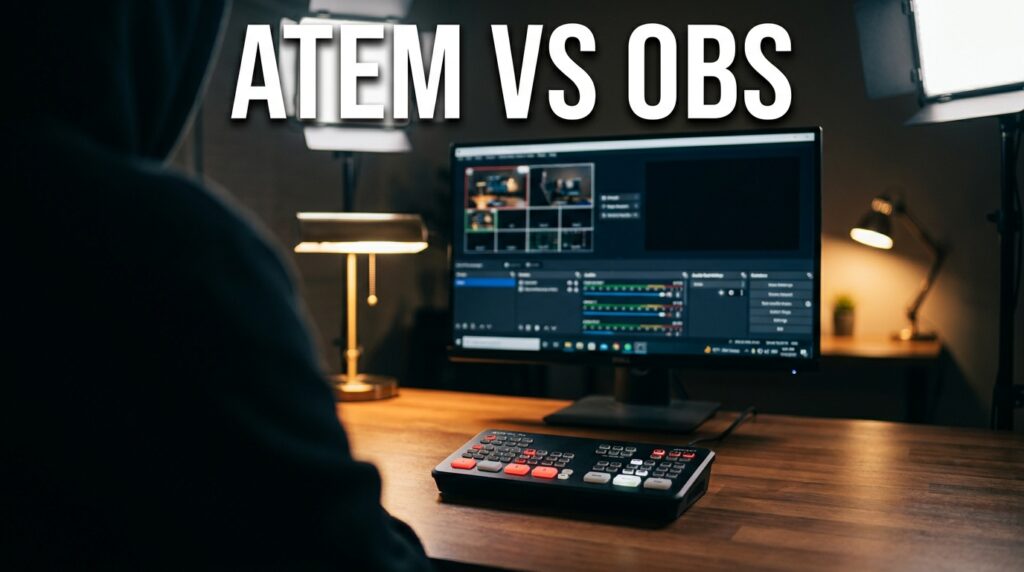

You are trying to run a one-person newsroom and you need to know if a Blackmagic ATEM Mini is worth the money, or if a free copy of OBS Studio is enough. The direct answer depends entirely on your processor load and your graphics workflow. If you just switch between two cameras and read a script, OBS works perfectly. If you want to record a clean, isolated feed of your main camera while simultaneously streaming a program feed with animated lower-thirds and picture-in-picture graphics, an ATEM Mini becomes mandatory to prevent dropped frames.
Every comparison out there is written for Twitch streamers or event videographers. Gaming streamers have a totally different workflow. They sit at a desk, play a game, and throw their face in a small corner box. A solo news broadcaster operates differently. You are the technical director, the anchor, the scriptwriter, and the floor manager all at once. You have breaking news graphics, remote interviews via tools like Riverside or Zoom, and rolling teleprompters.
We need to look at this strictly through the lens of a one-person news desk. I build broadcast workflows for solo operators. The advice you get from gaming forums will cause your stream to crash when you try to route three camera feeds, two remote guests, and a 4K graphic overlay through a single laptop.
The Hardware Route: Why an ATEM Mini Saves Your Broadcast
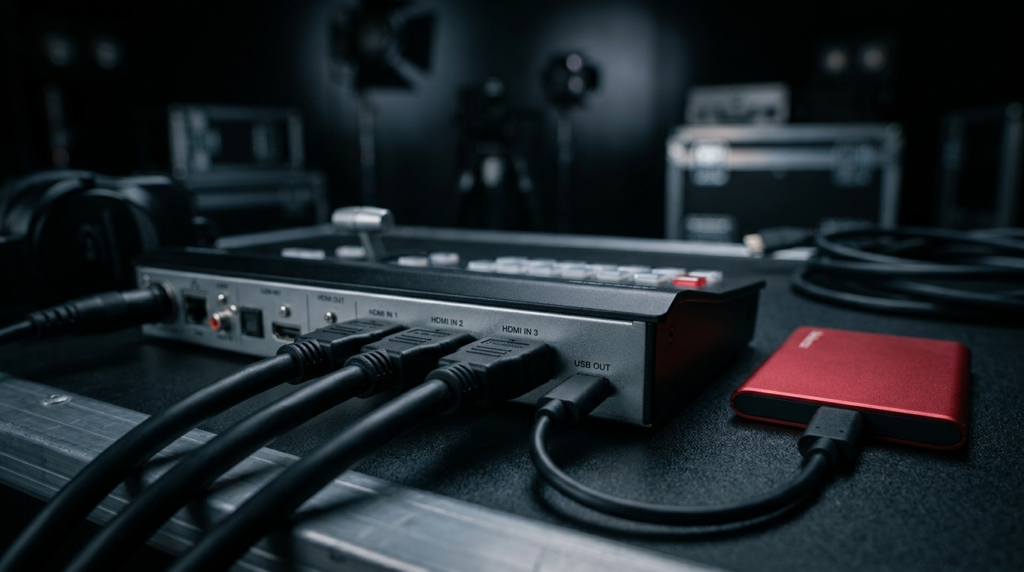
Running a live news show requires intense focus. You have to read the teleprompter, control the pacing, and trigger source changes. The ATEM Mini is a dedicated hardware switcher. It does exactly one job. It takes multiple HDMI video inputs, processes them internally, and sends out a single finished video feed.
Offloading the Processing Power
Software switchers like OBS demand massive computing power. When you plug three webcams or mirrorless cameras into a computer using USB capture cards, your computer CPU has to decode all three video streams simultaneously.
A standard Apple M1 Mac Mini will often hit an 85% CPU load when pushing a 1080p stream, recording a local backup, and decoding three incoming 1080p video sources. When CPU usage peaks, you drop frames. Your broadcast stutters. Your audio drifts out of sync.
An ATEM Mini removes that strain entirely. You plug your cameras directly into the back of the switcher. The ATEM handles the video decoding. Your computer only sees one single web camera plugged into its USB port. Your computer CPU usage drops from 85% down to about 12%. This leaves your machine free to handle your teleprompter software, your run-of-show documents, and your browser tabs for fact-checking.
Physical Muscle Memory Under Pressure
When breaking news hits, your brain is processing new information. You do not have the mental bandwidth to drag a mouse across a screen to find the correct scene transition button.
Hardware provides tactile feedback. You can keep your eyes locked on the camera lens while your fingers rest on the physical cut buttons. If you need to switch to your overhead camera for a document review, you just press button two. The physical muscle memory builds up fast. You act as your own technical director without looking away from your audience.
The Clean HDMI Output Workflow
This is a specific requirement for news content creators. You stream your live show. Later, you want to cut that show into vertical clips for YouTube Shorts or TikTok.
If you use OBS to record your stream, you record the final program feed. This feed has all your lower-thirds, your “Live” bugs, and your sponsor logos baked right into the video file. You cannot remove them later.
The ATEM Mini Pro models offer an ISO recording feature. The hardware records every single camera input as a separate, clean video file directly to an attached Samsung T7 SSD. It also saves a DaVinci Resolve project file of your live cuts. You get your fully produced live stream, plus the pristine, graphic-free raw camera files to edit later.
The Software Route: The Power of OBS Studio
OBS Studio is the industry standard software switcher. It is open-source and free. While an ATEM Mini handles video routing perfectly, it struggles with complex graphic layers. This is where OBS shines for the solo newsroom.
Advanced Graphics and Lower Thirds
News broadcasts rely heavily on on-screen text. You need scrolling tickers, animated lower-thirds to identify speakers, and over-the-shoulder graphics for story topics.
OBS handles media elements effortlessly. You can stack unlimited transparent webm video files, PNG images, and text sources on top of your camera feed. You can update a text source live while you are talking.
The ATEM Mini has severe graphic limitations. The base models only hold 20 static images in their media pool. If you want animated lower thirds on an ATEM, you have to dedicate two entire HDMI inputs to feed a key-and-fill graphic signal from a separate computer. That wastes half your camera inputs.
Remote Guest Integration
News requires interviews. Bringing remote guests into a broadcast is complicated.
With OBS, you can capture specific application windows. You can pull a Zoom window directly into your scene. You can crop the window, apply a color correction filter, and place the guest next to you in a custom graphic template.
An ATEM Mini cannot see your computer screen internally. To get a Zoom guest into an ATEM, you have to output your computer monitor via HDMI and plug it into the back of the switcher. This creates a confusing audio loop where the guest hears their own voice echoing back at them unless you set up a complex mix-minus audio routing system.
Head-to-Head Comparison for Newsrooms
To make the right choice, you need to weigh processing power against graphic flexibility.
| Feature | ATEM Mini (Hardware) | OBS Studio (Software) | Newsroom Impact |
| Video Decoding Load | Zero computer strain. Hardware handles it. | High computer strain. CPU decodes everything. | ATEM prevents stream crashes on older computers. |
| Graphic Capabilities | 20 static images. Clunky animated graphics. | Unlimited layers, animations, and live text editing. | OBS wins for dynamic, fast-paced news tickers. |
| Tactile Control | Built-in physical buttons. Eyes stay on camera. | Requires a mouse or buying a separate Elgato Stream Deck. | ATEM allows better eye contact with the audience. |
| Remote Guests | Hard to route. Requires extra monitor outputs. | Easy window capture. Direct software integration. | OBS is better for daily interview formats. |
| Isolated Recording | Pro models record all cameras separately. | Requires advanced plugins. Heavy system load. | ATEM provides clean files for short-form video editing. |
The Hybrid Approach: Why Many Run Both
You do not actually have to choose just one. The most stable solo newsroom workflow uses both tools together. You let the hardware do what it does best, and you let the software do what it does best.
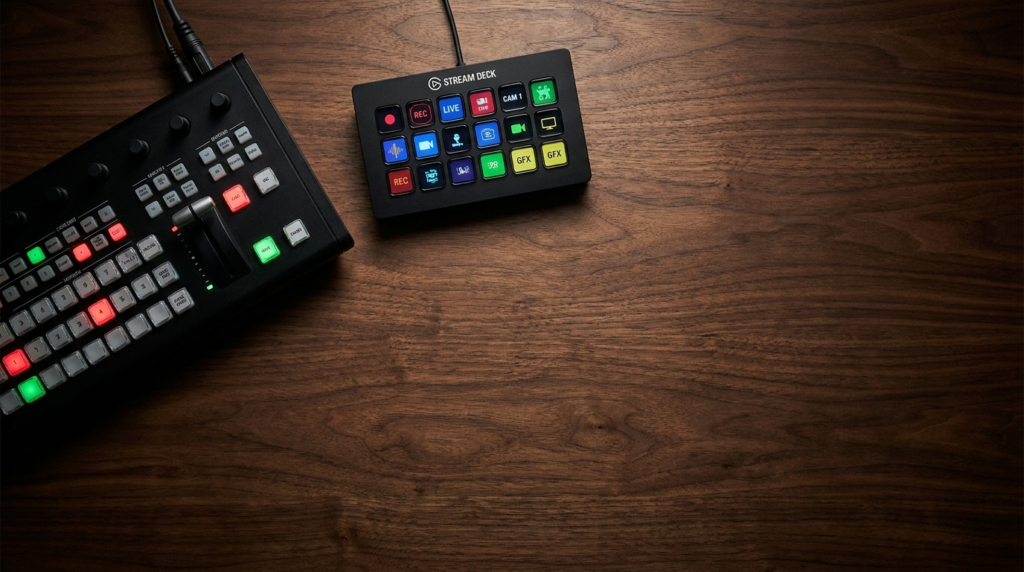
You plug your main camera, your wide camera, and your document camera into the ATEM Mini. You do your hard camera cuts on the physical buttons. You then take the single USB output from the ATEM and bring it into OBS Studio as a standard video capture device.
In this hybrid setup:
- The ATEM handles all the heavy video decoding.
- Your computer CPU stays cool and fast.
- OBS handles all the lower-thirds, the video playback, and the streaming encoding.
- You use an Elgato Stream Deck alongside the ATEM to trigger OBS graphic animations.
Managing Audio Sync in a Hybrid Setup
When you separate your video processing from your software processing, audio timing gets misaligned. Video takes longer to process than audio. If you run a microphone directly into your computer while your camera runs through an ATEM into OBS, your lips will move before the sound hits the stream.
You fix this inside OBS.
- Open the Advanced Audio Properties.
- Find your microphone source.
- Enter a Sync Offset.
- A standard baseline for this setup is between 100ms and 133ms (roughly 3 to 4 frames of video at 30fps).
Always record a quick handclap test to verify your exact offset before going live.
Setting Up Your Lower Thirds Workflow
If you decide to use the ATEM Mini by itself without OBS, you have to use its Upstream Keyer to show graphics. This requires preparation before you hit the live button.
Upstream Keying with ATEM Software Control
The physical buttons on the ATEM only tell half the story. You have to connect it to your computer via ethernet to access the ATEM Software Control panel.
To build a news graphic:
- Create your graphic in Photoshop with a transparent background.
- Load it into the ATEM Media Pool.
- Go to the Palettes tab and open the Upstream Key 1 section.
- Set the Luma Key source to your loaded graphic.
- Press the ON AIR button in the upstream keyer section.
The graphic will now overlay on top of whatever camera is currently live. You must remember to turn the key off before switching to a full-screen video playback, or your nameplate will stay stuck on the screen.
OBS Source Stacking
OBS handles this much faster. You build Scenes. A Scene is just a folder holding different visual elements.
You create a Scene called “Anchor Desk.” Inside that scene, you add your camera capture at the bottom. You add your animated webm lower third on top. You add your microphone audio. You simply click that Scene, and all elements trigger at exactly the same time. This reduces the mental math required while reading the news.
The Solo News Broadcaster Decision Matrix
How do you make the final purchasing decision? Look at your daily operational habits. Evaluate how much time you spend setting up your desk versus actually reporting the news.
Here is the exact decision criteria for adding an ATEM Mini to your workflow:
- You need the ATEM if: You run three or more cameras. Your computer fans spin loudly during broadcasts. You experience frame drops below 30fps. You want to record isolated, graphic-free camera feeds to a hard drive while streaming. You hate using a mouse while talking.
- You stick with OBS if: You only use one main camera and share your screen. You have heavy graphic needs, with rolling tickers and constant full-screen image pop-ups. Your budget is zero. You interview remote guests on every single episode.
The Time-Saved ROI Calculation
Hardware costs money. The ATEM Mini Pro costs around $295. You justify this cost by calculating the hours saved in post-production.
| Task | OBS-Only Workflow Time | ATEM ISO Workflow Time | Time Saved per Broadcast |
| Syncing Multi-Cam Footage | 15 minutes (manual audio syncing) | 0 minutes (Timecode matched natively) | 15 minutes |
| Cutting Out Dead Air | 20 minutes (rewatching full feed) | 5 minutes (opening ATEM project file) | 15 minutes |
| Exporting Clean Clips | Impossible if graphics were baked in | 10 minutes from raw ISO files | Infinite value |
If you stream three days a week, the ATEM ISO workflow saves you roughly 90 minutes of tedious post-production file management every single week. At a standard baseline editing rate of $50 an hour, the hardware pays for itself in less than a month.
You build a one-person newsroom by removing friction. Every button click you eliminate allows you to focus harder on the script in front of you. Choose the tool that gets out of your way.