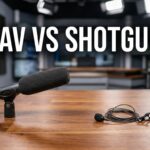

You sit down at the desk, look at the camera, and need crisp broadcast audio. Between a lapel mic and a shotgun mic for a stationary solo news anchor, the shotgun mic wins. When you stay in one spot at a fixed distance from the lens, a shotgun mounted out of frame provides superior voice isolation. It rejects off-axis room noise without the clothing rustle that plagues lavaliers.
Most audio advice online targets documentary filmmakers, wedding videographers, or daily vloggers. Those creators need mobility. You do not. As a solo news anchor, your physical setup is completely static. I see new broadcasters default to a wireless lavalier simply because it looks like standard field-reporting gear. This creates unnecessary audio problems for a controlled studio space.
Why the Solo Desk Changes Audio Rules
You speak on-axis directly into the camera lens. You maintain a consistent distance of about three to four feet from the glass. This fixed position removes the primary benefit of a lavalier mic. A lavalier exists to keep the capsule close to the mouth regardless of body movement. I prefer rigging a boom overhead for stationary setups.
Digital newsrooms like Bloomberg and the video production desks at The Verge use overhead booms for their stationary talent. They do this because physical distance creates a natural broadcast resonance. A lavalier sits directly on your chest. It captures your voice at the source, but it misses the natural resonance of the sound traveling through space.
The Advantage of the Air Gap
When you place a shotgun mic two feet above your head, the voice has room to develop. The sound waves hit the capsule after mixing slightly with the immediate air around your face. I call this the air gap advantage. It prevents the audio from sounding artificially close or heavily muffled by chest bone vibrations.
Lavaliers often sound thin or boxy by comparison. The typical frequency response of a high-quality shotgun mic captures the deep lows and crisp highs of human speech much better. The shotgun mic allows the voice to sound like it belongs in the room.
Audio Quality Baseline Metrics
You need to measure your audio setup objectively. You cannot rely on just listening through headphones. The standard baseline for a quiet recording environment sits at a noise floor of -60dB. Your normal speaking voice should peak between -12dB and -6dB on your audio meter.
When I check audio waveforms from a properly rigged shotgun mic, the signal-to-noise ratio easily meets professional broadcast standards. A lavalier often requires heavy noise gating in post-production to hide the transmitter hiss.
| Feature Comparison | Shotgun Mic Setup | Lavalier Mic Setup |
| Placement | Boom arm mounted just out of frame | Clipped directly to chest or tie |
| Speaker Mobility | Zero (talent must stay on axis) | High (capsule moves with the speaker) |
| Visual Footprint | Completely invisible to the audience | Visible clip and wire on clothing |
| Common Interference | Room reverb and early reflections | Clothing rustle and heavy breathing |
| Power Source | 48V Phantom Power via XLR cable | AA batteries or internal lithium-ion |
Acoustic Mechanics of the Overhead Shotgun
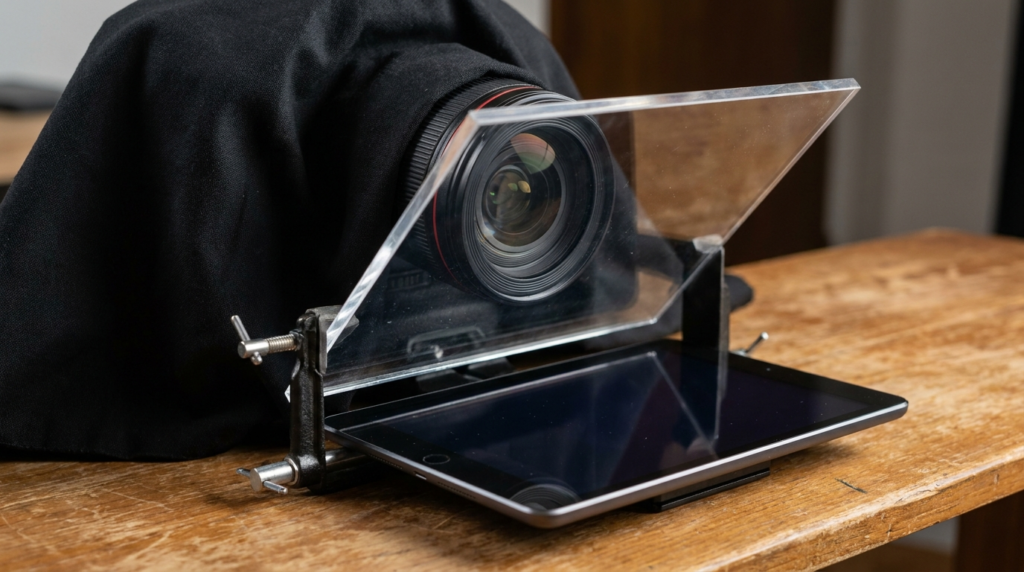
A shotgun microphone uses an internal structure called an interference tube. This tube cancels out sound coming from the sides of the microphone. We call this directional pattern off-axis rejection. When I position a shotgun mic just above the frame line, pointing down at the sternum, it captures the voice perfectly.
The room noise, computer fan hum, and street traffic get pushed down in the mix. The mic creates a narrow tunnel of focus. If you lean too far to the left or right, your voice drops off sharply. For a news anchor reading a teleprompter, you naturally stay locked in the center of this audio tunnel.
Understanding the Lobar Polar Pattern
Shotgun mics operate on a lobar or supercardioid polar pattern. This means they are highly sensitive in the front, reject sound from the sides, and have a small bulb of sensitivity at the very back. You have to watch the back of the microphone. If you point the back of the mic directly at a noisy computer fan, it will pick up that hum.
I always angle the mic so the rear points toward a treated ceiling or a quiet corner of the room. This prevents unwanted noise from entering the rear rejection node.
The Hidden Frustrations of Lavalier Mics
Lavaliers introduce physical friction into your recording workflow. Every time you shift in your chair or adjust your posture, the mic capsule rubs against your shirt. I spent hours trying to EQ out the sound of a cotton shirt scraping against a tiny microphone capsule early in my career.
A solo newsroom requires fast turnaround times for daily publishing. You do not have the time to scrub through timelines fixing audio hits. When I audit solo broadcast setups, lavaliers usually present specific audio failures.
- Chest resonance boost: The mic sits right on the sternum, creating a muffled, bass-heavy frequency spike in the lower mids.
- Cable management: Hiding the wire under your shirt takes time before every recording session.
- Battery anxiety: Wireless lav transmitters run on batteries that inevitably die mid-broadcast, ruining the take.
- RF interference: Wireless frequencies catch interference from local cell towers and Wi-Fi routers, causing digital dropouts.
Setting Up a Lavalier Fallback Plan
Sometimes an overhead boom setup fails. A C-stand might break, or an overhead light might cast a harsh shadow from the mic onto your background. You need a backup plan. If you must use a lapel mic, clip it on the center of the sternum.
Do not clip it to your collar facing your neck. Point the capsule straight up toward your mouth. Create a small loop in the wire right behind the mounting clip. This broadcast loop acts as a strain relief. It stops cable tension from causing handling noise when you move your arms.
Equipment Tiers for Your Solo Newsroom
You need exact equipment models to build this setup. I categorize these based on budget and technical requirements. Do not plug professional XLR mics directly into a consumer camera without checking your preamps first.
| Budget Tier | Top Shotgun Mic Choice | Top Lavalier Mic Choice |
| Entry Level | Rode VideoMic NTG | Rode smartLav+ |
| Mid-Range | Sennheiser MKE 600 | Sennheiser EW-DP ME 2 |
| Professional | Sennheiser MKH 416 | Sanken COS-11D |
Building the Entry Level Desk
The Rode VideoMic NTG offers a great starting point for a small desk setup. You can plug it directly into your computer via USB to act as an interface, or use the 3.5mm jack for a direct camera connection. It provides decent off-axis rejection for a low price.
The Rode smartLav+ gets the job done if you strictly need a lavalier. I notice a distinct analog hiss when pushing the gain on budget lavs. You will need to apply a noise reduction filter in your editing software to clean up the baseline static.
The Mid-Range Workhorse Setup
The Sennheiser MKE 600 represents the sweet spot for a solo newsroom. It runs on standard 48V phantom power or a single AA battery. The frequency response shows a gentle bump in the vocal range around 2kHz to 5kHz. This EQ curve makes speech sound crisp right out of the microphone.
For wireless audio, the Sennheiser EW-DP ME 2 provides digital transmission. Digital systems heavily reduce the RF interference common in older analog wireless systems. The receiver mounts directly to your camera hot shoe.
The Professional Broadcast Standard
The Sennheiser MKH 416 is the industry baseline for voiceover and network broadcasting. When I run the 416, the off-axis rejection is incredibly tight. You must stay exactly on axis. The build quality handles extreme humidity and temperature changes without altering the sound profile.
The Sanken COS-11D lavalier hides easily under clothing and sounds incredibly natural. You still deal with the physical wire, but the capsule design resists moisture and rubbing friction better than cheaper alternatives.
Fixing the Room Before Fixing the Mic
A shotgun mic only wins if your room is reasonably treated. If your room has bare walls and hardwood floors, a shotgun mic will capture that echo. We call this phenomenon early reflections.
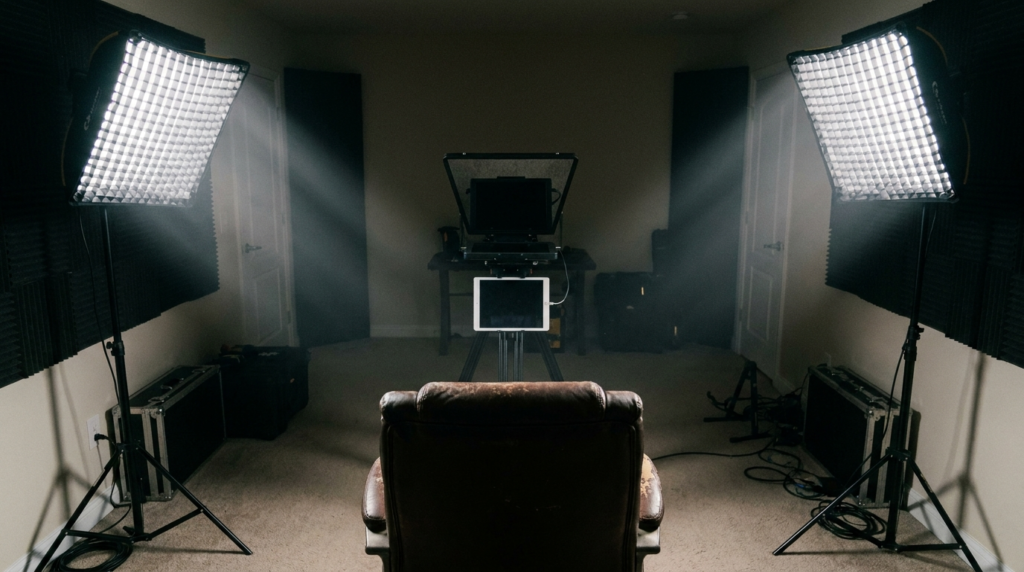
The sound from your mouth hits the flat wall behind the camera and bounces right back into the highly sensitive front of the shotgun mic. You must control the sound bouncing off your desk and the walls. I always place an acoustic panel directly behind the monitor or teleprompter.
Taming Desk Bounce and Reverb
You do not need to cover every wall in expensive foam. You just need to control the immediate reflection points. Treat the surfaces closest to your mouth first.
- Desk blankets: Throw a thick, dark moving blanket over the hard surface of your anchor desk to absorb the immediate bounce from your voice.
- V-flats: Set up heavy acoustic panels in a V-shape right behind the camera to catch your voice before it hits the back wall.
- Distance to wall: Keep your chair at least four feet away from the back wall behind you to prevent low-end standing waves.
- Ceiling clouds: Hang a soft acoustic panel directly above your head to stop floor-to-ceiling flutter echoes.
Step-by-Step Shotgun Rigging Instructions
Knowing what to buy means nothing if you position it wrong. I see many creators pointing the shotgun mic straight at their mouth from the side of the desk. This breaks the off-axis rejection rules.
You want to utilize the overhead rigging method. Mount the shotgun mic on a heavy-duty C-stand using a boom pole holder. Sandbag the base of the C-stand so it does not tip over and crush your monitors.
Proper Boom Pole Placement
Position the mic just out of frame, about two to three feet directly above your head. Point the capsule down toward the top of your chest, not directly at your mouth.
This specific downward angle pushes your plosives straight past the capsule. Plosives are the harsh bursts of air from “P” and “B” sounds. If you point the mic directly at your mouth, those bursts of air will hit the microphone diaphragm and cause a heavy, distorted popping sound.
Setting the Gain Structure
Most mirrorless cameras have terrible audio preamps. The internal amplifiers in consumer cameras add hiss to the signal. You bypass this by using a high-quality external interface.
Run a shielded XLR cable from the shotgun mic into a dedicated audio interface like the Focusrite Scarlett 2i2 or a field recorder like the Zoom F6. Turn your camera’s internal audio gain all the way down to the lowest possible setting. Feed the clean audio from the interface into your camera. You can also record the audio directly to the field recorder and sync the WAV file with your video in post-production.
The Post-Production Mixing Workflow
The mic choice directly impacts your editing speed. When I pull shotgun audio into the timeline, it rarely needs heavy equalization. I apply a basic high-pass filter at 80Hz. This cuts out low-end rumble from the air conditioner and traffic outside.
Then I add a light compressor with a 3:1 ratio to level out the vocal peaks. This ensures your shouting and whispering both hit the same acceptable broadcast levels.
Processing Lavalier Audio
Lavalier audio demands significantly more work in the timeline. I constantly have to use software tools to remove rustle and clothing hits. You have to aggressively cut the lower-mid frequencies around 300Hz to remove the muddy chest resonance.
You often have to boost the high frequencies around 8kHz to bring back the clarity lost by placing the mic below the chin. This extra processing time slows down a daily news publishing schedule. Using a boom-mounted shotgun mic removes these repair steps, letting you export the timeline faster.